

This post contains affiliate links. If you buy through our links we may earn a small commission — at no extra cost to you. This never influences our recommendations.
4K is the current standard for serious CCTV installs in 2026, and Amcrest’s dome camera delivers exactly that — sharp enough to identify a face at roughly 6 meters, or read a license plate at 30.
This review covers what independent testing confirms, a real limitation with motion zones worth knowing, and how this pairs with an existing Amcrest NVR system.
Full Specifications
| Spec | Amcrest 4K Dome (IP8M-2493) |
|---|---|
| Resolution | 4K (8MP), 3840×2160 |
| Field of view | 125° |
| Night vision | 98ft, infrared |
| Power | PoE |
| Storage | MicroSD (256GB), Amcrest NVR, Synology/QNAP NAS, FTP |
| Weatherproofing | IP67 |
| Third-party integration | ONVIF, RTSP, documented HTTP CGI API |
| Motion zones | Up to 4 customizable zones with adjustable sensitivity |
| Subscription required | No — full local recording included free |
Image Quality — Genuinely Sharp at Real Distances
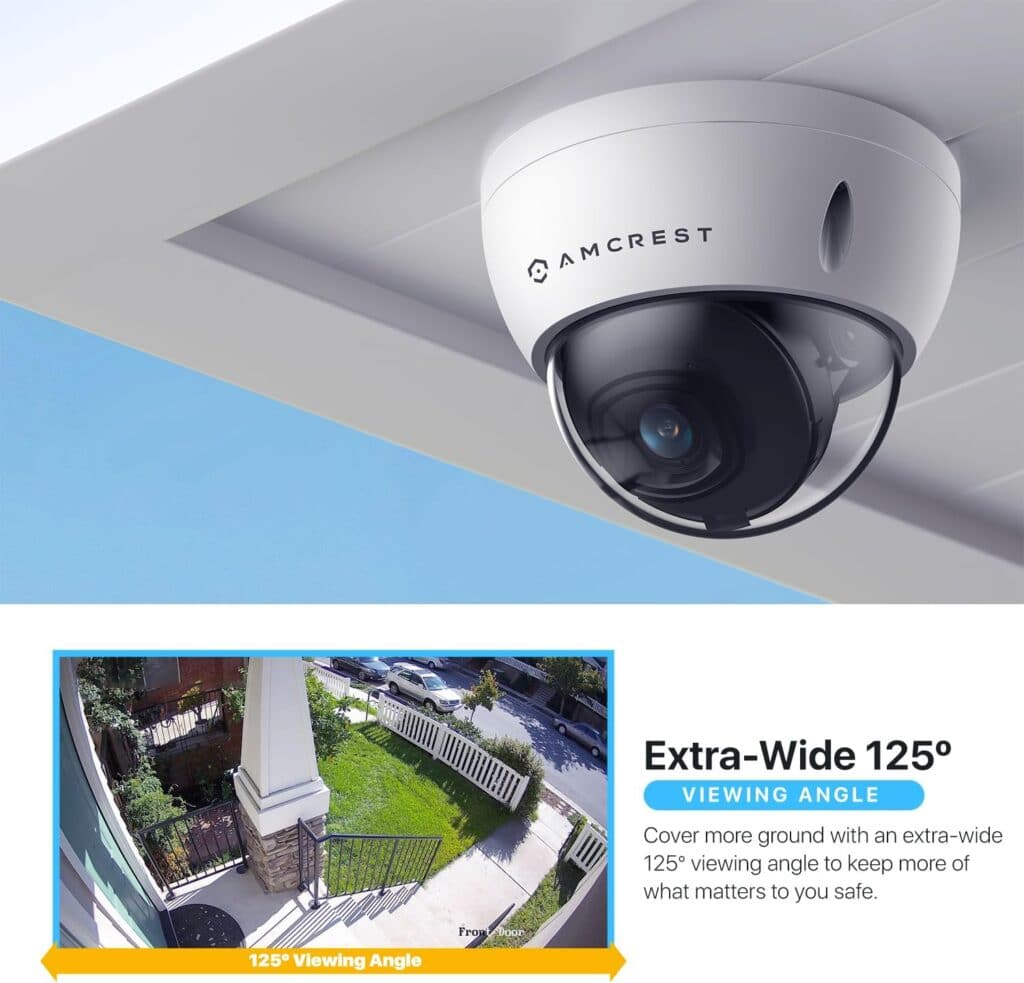
Independent testing from a reviewer with a permanent 14-camera test bench and networking credentials confirmed real-world detail at practical distances: face identification around 6 meters, license plate reading around 30 meters.
This isn’t a marketing claim — it’s the kind of specific distance figure that comes from actually pointing the camera at a target and checking the footage.
An Honest Limitation: Motion Zones Don’t Fully Solve False Alerts
This is worth knowing directly. Amcrest’s custom zone feature lets you color in areas where you want motion detection and block out others — genuinely useful for a camera facing a busy street.
Independent testing found this doesn’t completely solve the problem in practice. Headlights and road noise still triggered some false alerts even after zone adjustment. If your camera faces traffic, expect to spend some time fine-tuning sensitivity, and don’t assume zones alone will eliminate every nuisance alert.
No Subscription Required, With Real Third-Party Depth
Local recording to a microSD card, an Amcrest NVR, or a NAS all work with zero subscription required — this camera pairs directly with our already-reviewed Amcrest NV4108E for centralized storage.
ONVIF compliance and a documented HTTP CGI API also make this a strong choice for self-hosted setups like Frigate or Home Assistant — a genuine strength we’ve covered in more depth in our Reolink vs Amcrest comparison.
Honest Pros and Cons
Pros: Genuinely sharp 4K detail confirmed at real distances, no subscription required for local recording, strong ONVIF/RTSP integration for self-hosted setups, IP67 weatherproofing, pairs directly with Amcrest NVR systems
Cons: Custom motion zones don’t fully eliminate false alerts from headlights or road noise, mobile app experience trails some competitors’ polish, 15fps at full 4K rather than 30fps
Who Should Buy This Camera
Best for:
- Households already running or planning an Amcrest NVR system
- Self-hosted setups using Frigate, Home Assistant, or Blue Iris
- Anyone wanting genuine 4K detail without a subscription requirement
Consider alternatives if:
- Your camera will face a busy street and false-alert reduction is a top priority
- You want the most polished mobile app experience — see our Reolink vs Amcrest comparison for that trade-off
Frequently Asked Questions
Does this camera require a subscription?
No. Local recording to a microSD card, an Amcrest NVR, or a NAS all work with zero subscription required.
How far can this camera identify faces or license plates?
Independent testing found reliable face identification around 6 meters and license plate reading around 30 meters — genuinely useful detail at 4K resolution.
Do custom motion zones stop false alerts from traffic?
Not completely. Independent testing found headlights and road noise still triggered some alerts even after zone adjustment — expect to fine-tune sensitivity if your camera faces a street.
Can this camera work with Home Assistant or Frigate?
Yes — Amcrest’s ONVIF compliance and documented HTTP CGI API make it a strong choice for self-hosted platforms, a genuine strength covered in our Reolink vs Amcrest comparison.
Does this camera work with an existing Amcrest NVR?
Yes — it’s designed to pair directly with Amcrest NVR systems, including the NV4108E already reviewed on this site.
The Bottom Line
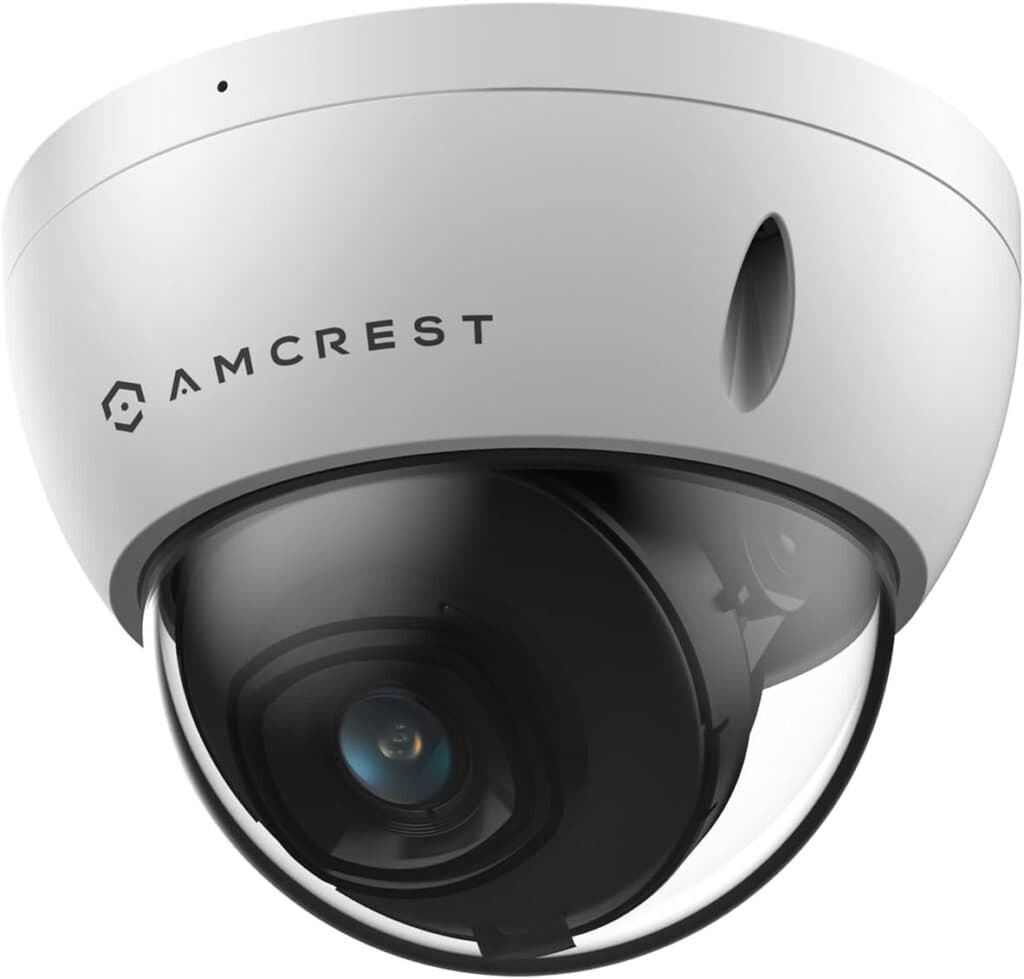
This camera delivers genuinely sharp 4K detail at real, independently confirmed distances, with zero subscription required and strong third-party integration.
The honest trade-off is motion zone tuning — expect some fine-tuning if your install faces traffic, since zones alone don’t fully solve false alerts.
Check the Amcrest 4K Dome Camera on Amazon →
For the matching NVR system, see our Amcrest NV4108E review. For a full brand comparison, see our Reolink vs Amcrest guide.