
If you buy through our links we may earn a small commission — at no extra cost to you. This never influences our recommendations.
Arlo calls itself a “smart home security camera system,” and the Pro 5S 3-camera kit is the version most people land on when they search that exact phrase.
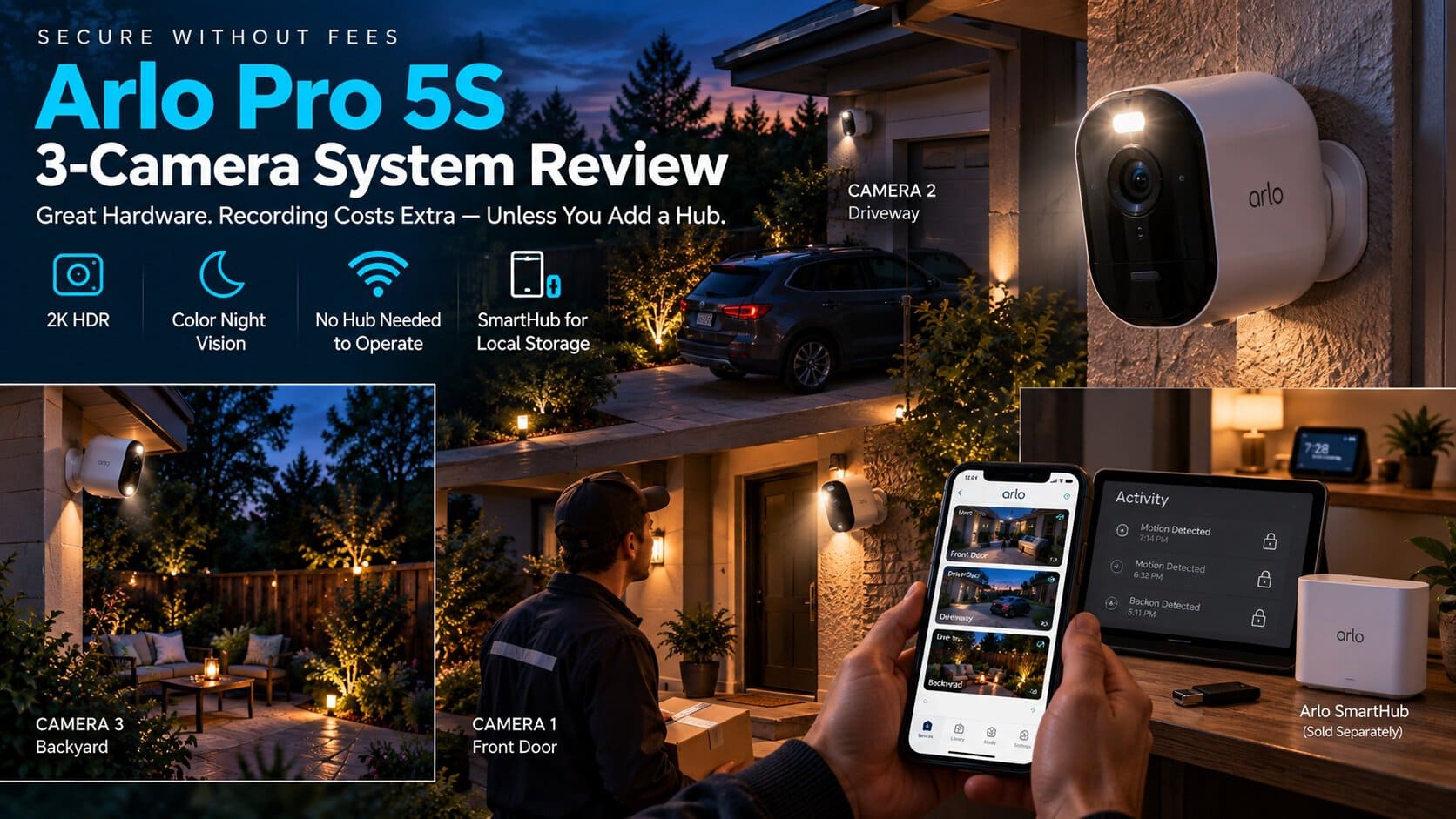
Good hardware, no question — 2K HDR, color night vision, a built-in spotlight and siren on every camera. The part that trips people up on this site is what “system” actually includes, and what it quietly doesn’t.
| Spec | Arlo Pro 5S (3-Camera System) |
|---|---|
| Resolution | 2K HDR |
| Power | Wireless, rechargeable battery |
| Night vision | Color, with integrated spotlight |
| Zoom | 12x digital |
| Audio | 2-way |
| Extras | Integrated siren per camera |
| Connectivity | Dual-band WiFi, direct — no hub required to operate |
| Cloud subscription | Required for recorded video history (1-month trial included) |
The Word “System” Is Doing a Lot of Work Here
Out of the box, these three cameras connect straight to your WiFi — no base station needed to get live view, motion alerts, or two-way audio working.
Here’s the catch: without an Arlo Secure subscription, that’s all you get. Live view, motion pings, and audio — but zero recorded history. Something happens while you’re not looking at your phone, and there’s no clip waiting for you.
That’s not unique to Arlo, and we cover the full breakdown in how long Arlo cameras store footage without a subscription — but it’s worth saying plainly here, because “security camera system” sounds like it should include recording by default, and it doesn’t.
The Actual No-Subscription Path: Add a SmartHub
Arlo does have a real answer for local, subscription-free recording — it’s just not in this box. You need to add an Arlo SmartHub separately, plug in a USB drive, and pair your cameras to it.
Once that’s set up, motion-triggered clips save straight to your drive with no monthly fee attached. It genuinely works.
It’s also an extra $50 to $100 and an extra setup step Arlo doesn’t put front and center on the product page — which is exactly the kind of thing worth knowing before you buy, not after.
For the full setup walkthrough and which hub model to get, our Arlo storage guide covers it step by step.
Where the Hardware Itself Earns Its Price
2K HDR with color night vision is a genuinely sharp step up from the entry-level Essential line — details hold up in low light instead of turning into a grainy green blur.
The integrated spotlight and siren on every camera means you’re not paying extra for a separate floodlight or alarm accessory the way you would with some competitors.
Battery life on wireless cameras always depends on how much motion your yard sees, but the rechargeable design means no wiring, and no electrician needed to get all three cameras up.
Pros: Sharp 2K HDR with real color night vision; spotlight and siren built into every camera; works with Alexa, Google Assistant, and Apple HomeKit; genuine subscription-free path exists via SmartHub.
Cons: Zero recorded history without either a subscription or an extra SmartHub purchase; SmartHub isn’t included and adds real cost; battery life varies a lot with activity level.
Best for: Buyers who want higher-end hardware than the Essential line and are willing to add a SmartHub for true no-subscription recording, rather than assuming the base kit covers it.
Arlo Pro 5S 2K Wireless Security Camera System
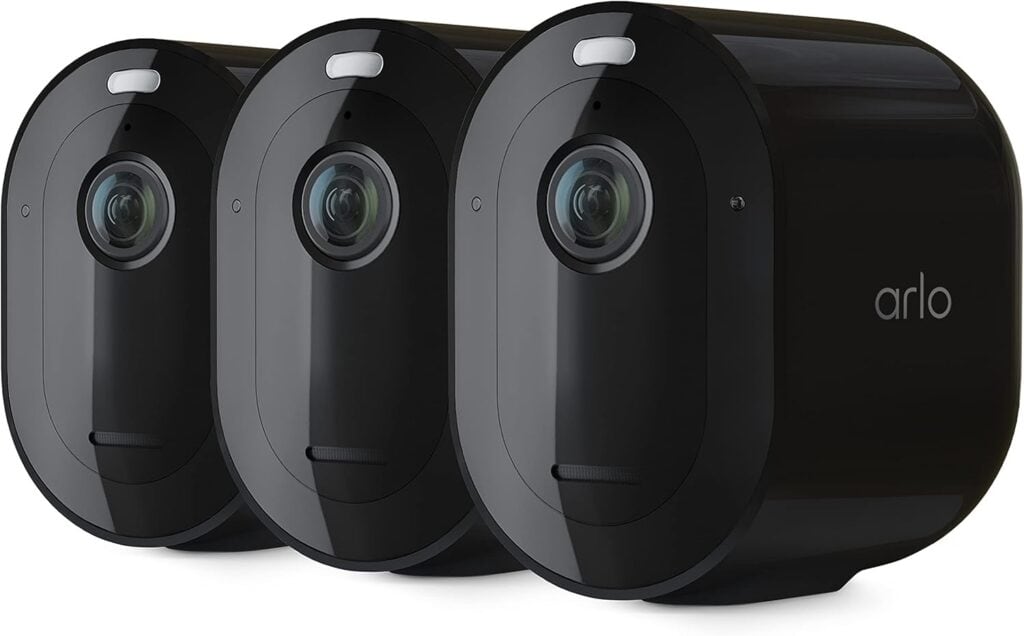
Full details and current price: Arlo Pro 5S 3-Camera System on Amazon
Coming from the budget end of Arlo’s lineup? See our Arlo Essential 2K review for how it compares.
Frequently Asked Questions
Does the Arlo Pro 5S system require a subscription?
Not for live view, motion alerts, or two-way audio — but recorded video history does need an Arlo Secure plan unless you add a SmartHub for local storage instead.
Can I record footage without paying Arlo monthly?
Yes, by adding an Arlo SmartHub and a USB drive — it’s an extra purchase, but it gives you genuinely subscription-free local recording.
Do I need the SmartHub for the cameras to work at all?
No, the Pro 5S connects directly to your WiFi for live view and alerts. The SmartHub is only needed if you want local recording without a subscription.
How does the Pro 5S compare to the Arlo Essential line?
The Pro 5S steps up to 2K HDR with color night vision, plus a built-in spotlight and siren on every camera — the Essential line is the more budget-friendly option with fewer built-in extras.
Is this system weatherproof for outdoor use?
Yes, the Pro 5S cameras are built for outdoor placement and handle rain and temperature swings without issue.
Final Verdict
The hardware in this “system” is genuinely good — the marketing just skips the part where real subscription-free recording is a separate purchase, not something already in the box. Buy it knowing that, and add the SmartHub if a no-fee setup is the whole point for you.