
If you buy through our links we may earn a small commission — at no extra cost to you. This never influences our recommendations.
Yale’s been making locks since 1840, so it’s not exactly a surprise the Assure Lock 2 feels less like a gadget and more like, well, a lock that happens to be smart.
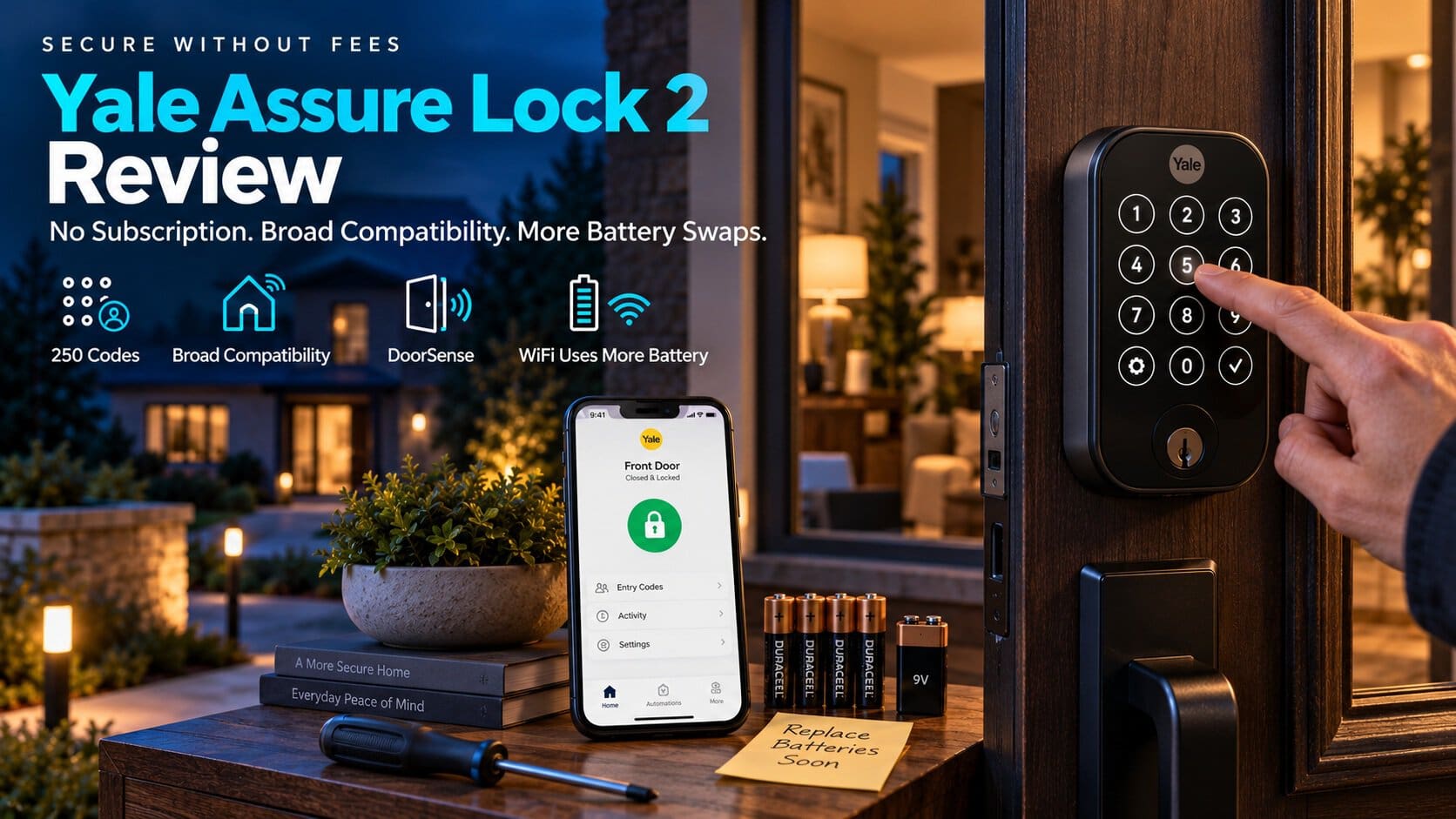
No monthly fee anywhere in sight — the free Yale Access app handles everything, including up to 250 unique entry codes.
The trade-off nobody puts on the box: go WiFi, and you’re changing batteries three times as often as if you’d stuck with Bluetooth.
| Spec | Yale Assure Lock 2 (WiFi) |
|---|---|
| Entry methods | Touchscreen keypad, app, voice assistant, backup key |
| Codes stored | Up to 250 |
| Connectivity | Built-in WiFi + Bluetooth, no bridge required |
| Smart home support | Alexa, Google Home, Apple Home, SmartThings, Matter |
| Battery | 4x AA, ~3 months on WiFi / ~9 months on Bluetooth-only |
| Certification | BHMA Grade 2 |
| Subscription required | None |
The Battery Trade-Off Nobody Mentions Up Front

Turn on WiFi and you’ll be swapping AA batteries roughly every three months. Stick to Bluetooth-only and that stretches to about nine.
Yale can’t use rechargeables here — fire safety rules require disposable cells in electronic deadbolts. You technically can drop in your own rechargeables, but you’re on your own if something goes wrong.
There’s a clever fallback if the batteries die at the worst possible moment: touch a 9-volt battery to two contacts on the underside, and it’ll give the lock just enough juice to let you in.
Practical takeaway: if remote access from anywhere matters more to you than battery life, WiFi is worth it. If you mostly just want keyless entry at the door, Bluetooth-only saves you a lot of battery-swapping.
Smart Home Support Is Genuinely Excellent — With One Gap

This is where the Assure Lock 2 pulls ahead of a lot of the competition: Alexa, Google Home, Apple Home, SmartThings, Matter, Airbnb, IFTTT, Philips Hue — it talks to nearly everything.
The one name missing from that list is Ring. If you want to unlock your door from inside the Ring app the way you can with the Schlage Encode, you won’t get that here — you’ll be switching between the Ring app and Yale Access.
Not a dealbreaker for most people, but worth knowing if your front door already runs on a Ring camera and you were hoping for one app to rule them all.
Everyday Use

DoorSense knows when the door is actually physically closed before it auto-locks, so you won’t get a false “locked” status while the door’s sitting ajar.
The touchscreen keypad has no physical buttons and resists smudging, so a stranger can’t just look for worn-down numbers to guess your code.
Installation is the standard 15-to-20-minute deadbolt swap with a screwdriver — no special tools, no electrician.
One thing worth noting if you’re outside North America: this lock is built for US and Canadian doors only.
Pros: Zero subscription, ever; works with basically every smart home platform that matters; DoorSense prevents false auto-lock; easy standard installation.
Cons: WiFi mode chews through batteries in about 3 months; no Ring integration; runs on disposable AA batteries only.
Best for: Homeowners who want the widest possible smart home compatibility and don’t mind a battery swap every few months in exchange for full remote access.
Yale Assure Lock 2
Full details and current price: Yale Assure Lock 2 on Amazon
See more options in our best smart locks roundup.
Frequently Asked Questions
Does the Yale Assure Lock 2 require a subscription?
No. The Yale Access app is free, and every core feature — remote lock/unlock, entry codes, activity alerts — works without paying anything monthly.
How long do the batteries actually last?
About 3 months with WiFi turned on, closer to 9 months if you stick to Bluetooth only.
Does it work with Apple HomeKit?
Yes, Apple Home is built in. Controlling it remotely (away from home) needs an Apple TV, HomePod, or HomePod mini set up as a home hub — standard for any HomeKit lock, not unique to Yale.
Can I use it with Ring?
No, there’s no Ring app integration. You’ll manage the lock through Yale Access and your cameras through Ring separately.
What happens if the batteries die while I’m locked out?
Touch a standard 9-volt battery to the contacts on the lock’s underside — it delivers just enough power to let you unlock the door and get inside.
Final Verdict
If broad smart home compatibility and zero subscription fees are what you’re after, the Assure Lock 2 delivers both — you’re just signing up for more frequent battery changes than a plain Bluetooth lock would ask of you.