

This post contains affiliate links. If you buy through our links we may earn a small commission — at no extra cost to you. This never influences our recommendations.
There’s no Eve-specific subscription fee here, which is technically true and also not the whole story. The Eve Outdoor Cam runs entirely on Apple’s HomeKit Secure Video, and that system has its own separate requirements worth understanding before you buy.
| Spec | Eve Outdoor Cam |
|---|---|
| Video | 1080p, 157° field of view |
| Floodlight | 1,500-lumen, dimmable, motion-triggered |
| Storage | 10-day recording history via HomeKit Secure Video |
| Power | Hardwired only — requires neutral and ground wire |
| Ecosystem | Apple HomeKit exclusive |
The iCloud+ Requirement, Explained Precisely
There’s no separate Eve or camera-specific fee — but HomeKit Secure Video itself requires an iCloud+ plan, starting at $0.99/month for one camera or $2.99/month for up to five.
If you already pay for iCloud+ for photo backup or other Apple services, adding this camera costs nothing extra as long as you’re on a plan tier that covers your camera count. If you don’t already have iCloud+, you’re starting a new subscription to make recording work at all.
Either way, this genuinely beats Ring or Arlo’s per-camera subscription math once you’re covering multiple cameras — $2.99/month for five cameras is a real bargain compared to most competitors’ per-camera pricing.
You Also Need a Home Hub
Beyond iCloud+, HomeKit Secure Video requires a home hub — specifically a HomePod or an Apple TV running tvOS 15 or later — to process video locally.
If you don’t already own one of those, that’s a second purchase on top of the camera and the iCloud+ plan, similar to how some other camera systems quietly require a separate base station most buyers don’t expect.
Apple-Only, No Exceptions
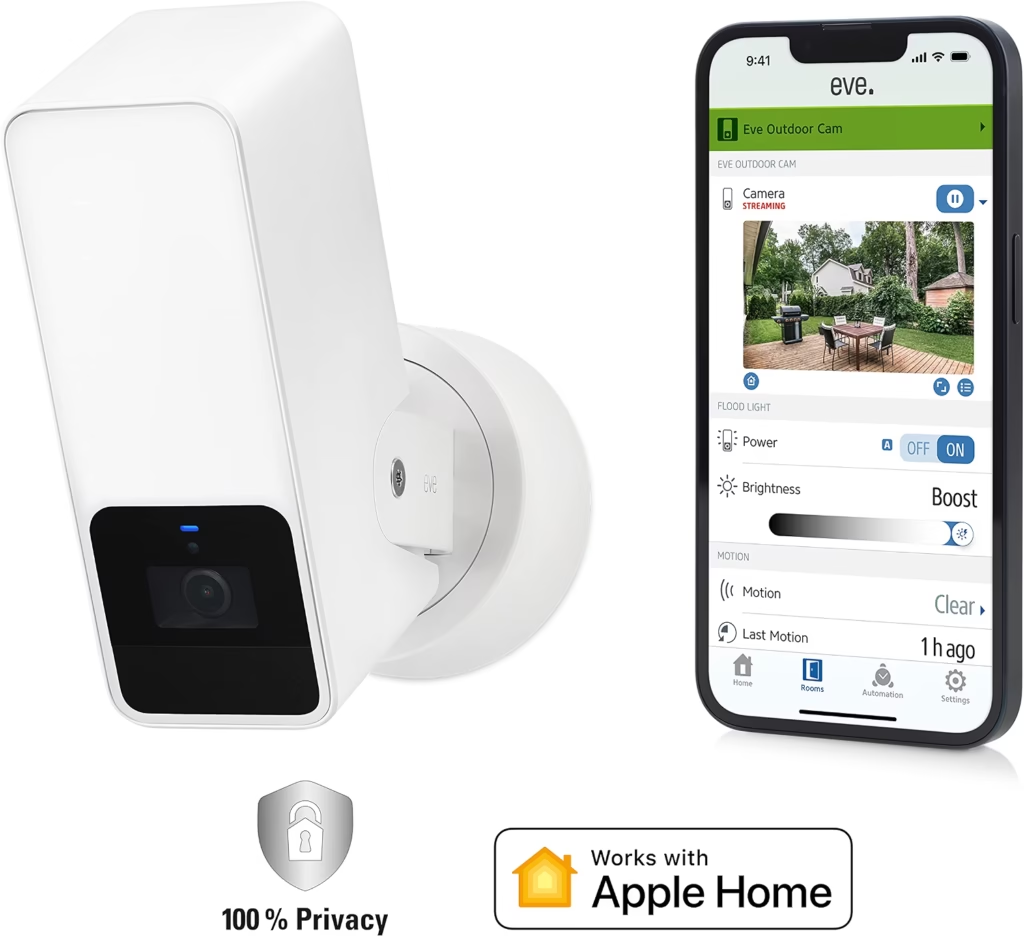
This camera works exclusively within Apple’s ecosystem — no Android app, no Alexa, no Google Home, no SmartThings.
If your household runs a mix of Android and Apple devices, or you’re invested in a different smart home platform, this isn’t a camera that meets you halfway.
In exchange, you get genuinely strong privacy design: end-to-end encrypted video, no Eve-run cloud servers, and no account registration required beyond your existing Apple ID.
How the Cost Actually Compares
Ring’s plans run per-camera unless you’re on their unlimited tier ($20/month for unlimited cameras with 180-day history). Eve’s iCloud+ scales differently — $2.99/month covers up to five cameras with 10-day history.
For a single camera, Ring’s cheapest plan and Eve’s cheapest iCloud+ tier land close together. Add a second, third, or fourth camera, and Eve’s flat per-tier pricing pulls ahead fast, since you’re not paying per device.
The trade-off is recording length — 10 days versus Ring’s 180 on its unlimited plan — so this favors Eve on cost across multiple cameras, and favors Ring if you need a long recorded history.
| Pros | Cons |
|---|---|
| No Eve-specific subscription — just iCloud+, which many Apple users already have | Requires a home hub (HomePod or Apple TV) most buyers don’t already budget for |
| Genuinely strong end-to-end encryption and privacy design | Apple-only — no Android app, Alexa, Google Home, or SmartThings |
| iCloud+ pricing scales well across multiple cameras | Hardwired only, requiring neutral and ground wire for installation |
Best for: Households already deep in the Apple ecosystem with a HomePod or Apple TV in place, who want strong privacy and don’t need cross-platform smart home support.
Eve Outdoor Cam
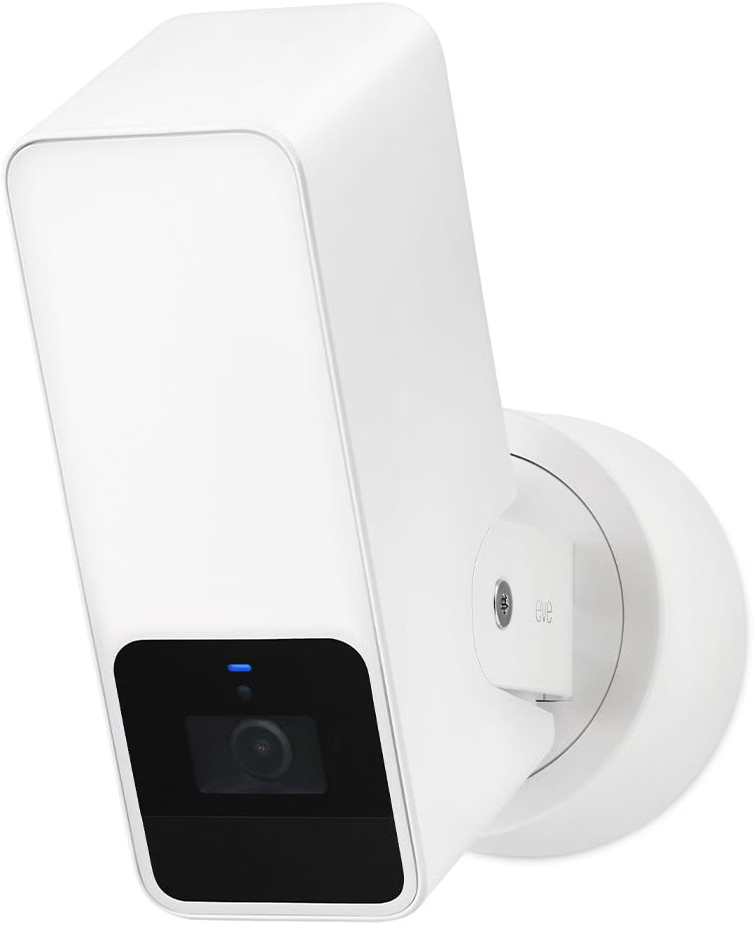
This is a genuinely well-built floodlight camera if you’re already set up for HomeKit Secure Video — the privacy story is real, and the per-camera cost stays low once you’re sharing an iCloud+ plan across multiple Eve or Apple-compatible cameras.
It’s a poor fit if you’re starting from zero on Apple hardware, since the home hub requirement adds real cost most other cameras don’t carry.
Full details and current price: Eve Outdoor Cam on Amazon
Frequently Asked Questions
Does the Eve Outdoor Cam require a subscription?
Not an Eve-specific one, but recording does require an iCloud+ plan, starting at $0.99/month for one camera.
Do I need a HomePod or Apple TV to use this camera?
Yes — HomeKit Secure Video requires a home hub (HomePod or Apple TV with tvOS 15+) to process and store video.
Does it work with Android, Alexa, or Google Home?
No, it’s built exclusively for Apple HomeKit with no cross-platform support.
How much recorded video history do I get?
10 days of recording history through HomeKit Secure Video, covered under your iCloud+ plan.
Is it battery-powered or does it need wiring?
It’s hardwired only, requiring both a neutral wire and a ground wire connection for installation.
Final Verdict
The Eve Outdoor Cam is a genuinely strong privacy-focused pick if you already have an Apple home hub and an iCloud+ plan in place — just go in knowing those two things are real requirements, not optional extras.