

This post contains affiliate links. If you buy through our links we may earn a small commission — at no extra cost to you. This never influences our recommendations.
“Wired” covers more ground than people expect — it can mean a full PoE camera system, a single camera added to one, or a simple plug-in camera that just needs a wall outlet.
All three skip the two biggest headaches of battery cameras: dead batteries at the worst moment, and weak WiFi signal dropping your feed. Here’s a solid pick for each situation.
| Camera | Setup Type | Best For |
|---|---|---|
| Reolink RLK8-410B4-5MP | Complete PoE + NVR kit | Whole-home coverage from scratch |
| Reolink RLC-810A | Standalone PoE camera | Expanding an existing NVR system |
| eufy Wired Cam C31 | Plug-in, AC-powered | No cable-running at all |
PoE vs. Plug-In: The Real Difference
PoE (Power over Ethernet) cameras get power and data through a single cable running back to an NVR — reliable, but it means planning cable routes and often drilling.
Plug-in wired cameras connect over WiFi and just need a nearby outlet — much easier to install, but you’re still depending on your WiFi signal for the connection itself.
Both are genuinely “wired” in the sense that matters here: constant power, no battery to die on you.
Our Picks
Reolink RLK8-410B4-5MP — Best Complete System
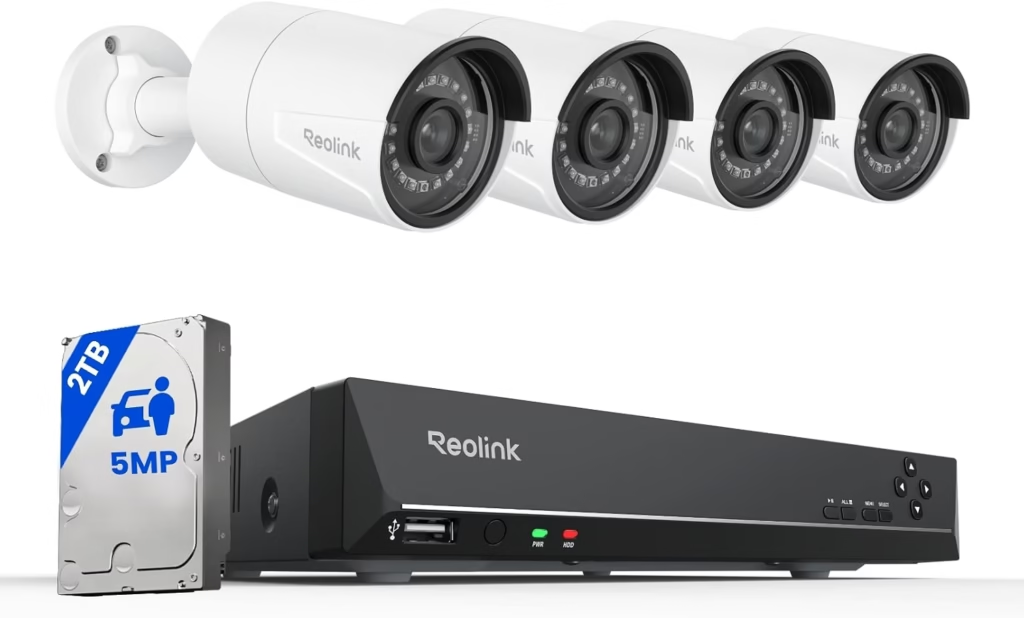
Four 5MP PoE cameras, an 8-channel NVR, and a 2TB hard drive already installed — this is the single most recommended wired system across independent 2026 testing, and for good reason.
Setup is genuinely plug-and-play: the NVR auto-detects each camera the moment its Ethernet cable connects, no IP addresses or port forwarding to fight with.
| Pros | Cons |
|---|---|
| Most-recommended complete wired system across independent testing | Full PoE installation means real cable-running work |
| 2TB storage covers roughly two weeks of 4-camera continuous footage | Only expands with Reolink’s own PoE cameras |
| Genuine plug-and-play NVR pairing, no network config needed |
Best for: Homeowners installing whole-property coverage for the first time and want one box that handles everything.
Full details and current price: Reolink RLK8-410B4-5MP on Amazon
Reolink RLC-810A — Best Standalone Camera
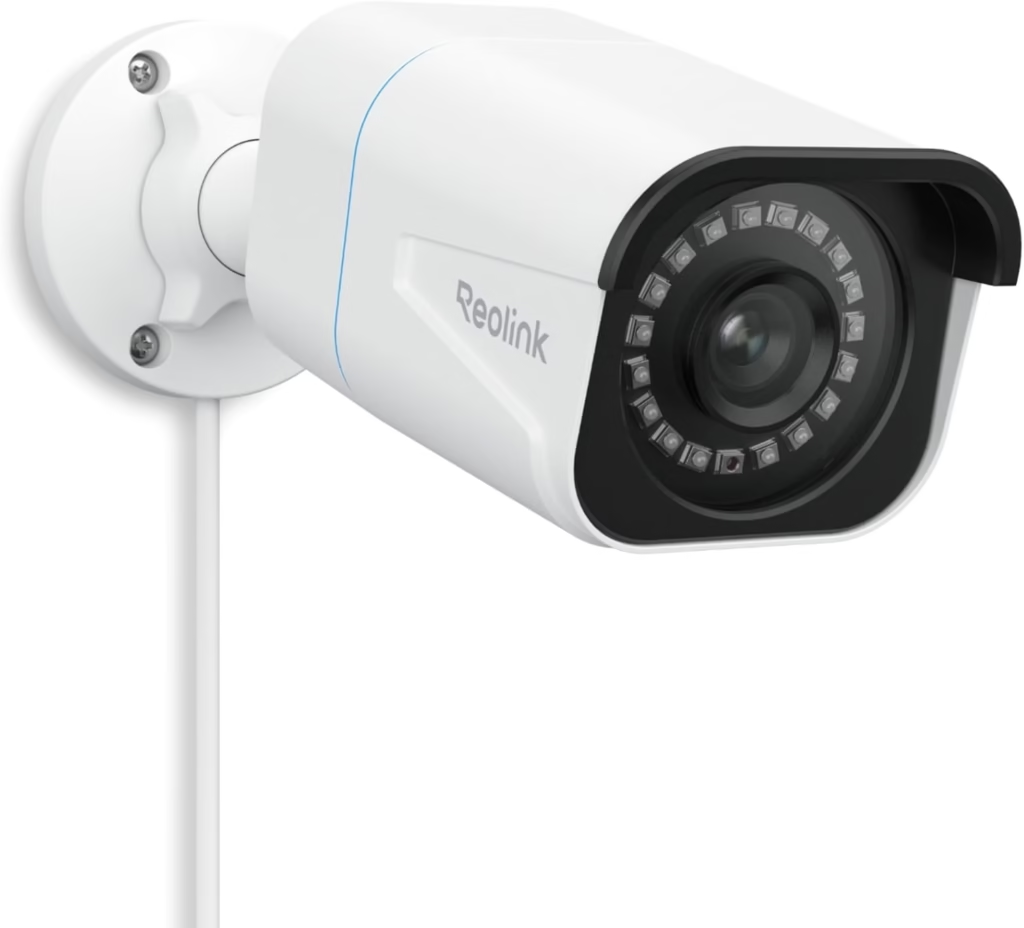
Already running a Reolink NVR, or building a custom setup one camera at a time? This is the standalone 4K PoE camera to add — same person/vehicle/animal detection as the full kits, sold on its own.
It also works independently with a microSD card if you don’t have an NVR yet, so it’s not locked to one setup style.
| Pros | Cons |
|---|---|
| 4K resolution matches or beats most bundled kit cameras | No NVR included — needs one already, or a microSD card for solo use |
| Works standalone with microSD or as part of an NVR system | Buying several individually costs more than a bundled kit |
| 100 ft night vision with smart detection built in |
Best for: Adding coverage to an existing Reolink system, or starting small and building out gradually.
Full details and current price: Reolink RLC-810A on Amazon
eufy Wired Cam C31 — Best Plug-In, No Cable-Running
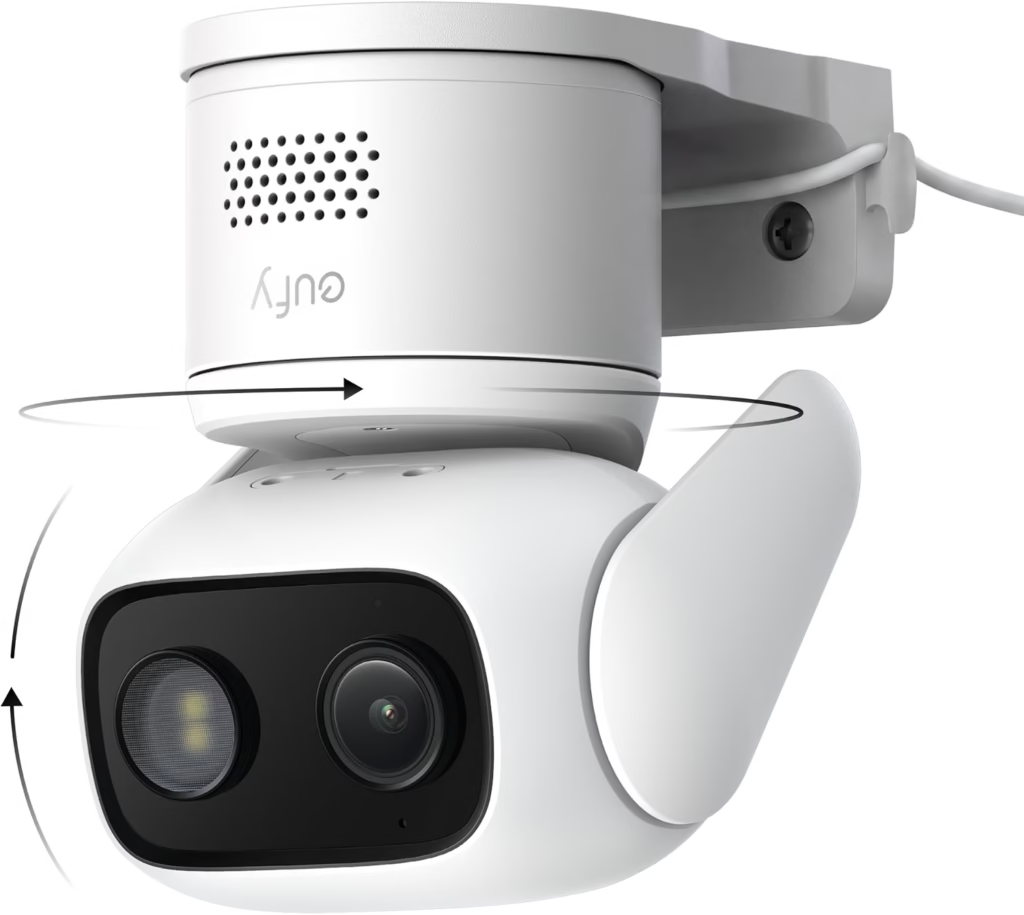
No Ethernet, no NVR, no drilling — this one just plugs into a wall outlet and connects over WiFi, with 360° pan-and-tilt coverage from a single camera.
It records to a microSD card with no subscription required, and the constant AC power means none of the battery-drain issues wire-free cameras run into.
| Pros | Cons |
|---|---|
| Genuinely simplest install of the three — just needs an outlet | Still depends on WiFi signal strength, unlike true PoE |
| 360° pan-and-tilt from a single camera covers more ground | No built-in storage — a microSD card is required, sold separately |
| No subscription required for local recording |
Best for: Indoor or covered-outdoor spots near an outlet where running Ethernet isn’t practical.
Full details and current price: eufy Wired Cam C31 on Amazon
Frequently Asked Questions
Do wired security cameras require a subscription?
No — all three picks here record locally, either to an NVR hard drive or a microSD card, with no subscription required for core recording.
What’s the difference between PoE and a plug-in wired camera?
PoE cameras get both power and data through one Ethernet cable to an NVR; plug-in cameras just need a wall outlet and connect over WiFi instead.
Can I add more cameras to a PoE system later?
Yes, most NVRs support more channels than the cameras they ship with — check your specific NVR’s channel count before buying more.
Is a plug-in wired camera as reliable as PoE?
It’s more reliable than a battery camera since it never loses power, but it still depends on your WiFi signal — PoE avoids that dependency entirely.
Which option is easiest to install myself?
The plug-in option, by a wide margin — PoE systems generally mean running cable through walls or attics, which many people hire out.
Final Verdict
| Camera | Best For |
|---|---|
| Reolink RLK8-410B4-5MP | Whole-home coverage installed from scratch |
| Reolink RLC-810A | Expanding an existing Reolink NVR system |
| eufy Wired Cam C31 | Simple installation with no cable-running required |
Start with the RLK8-410B4-5MP if you’re covering a whole property and don’t mind a weekend of installation. If that’s more setup than you want, the eufy C31 gets you constant, reliable power without touching a single Ethernet cable.