
This post contains affiliate links. If you buy through our links we may earn a small commission — at no extra cost to you. This never influences our recommendations.
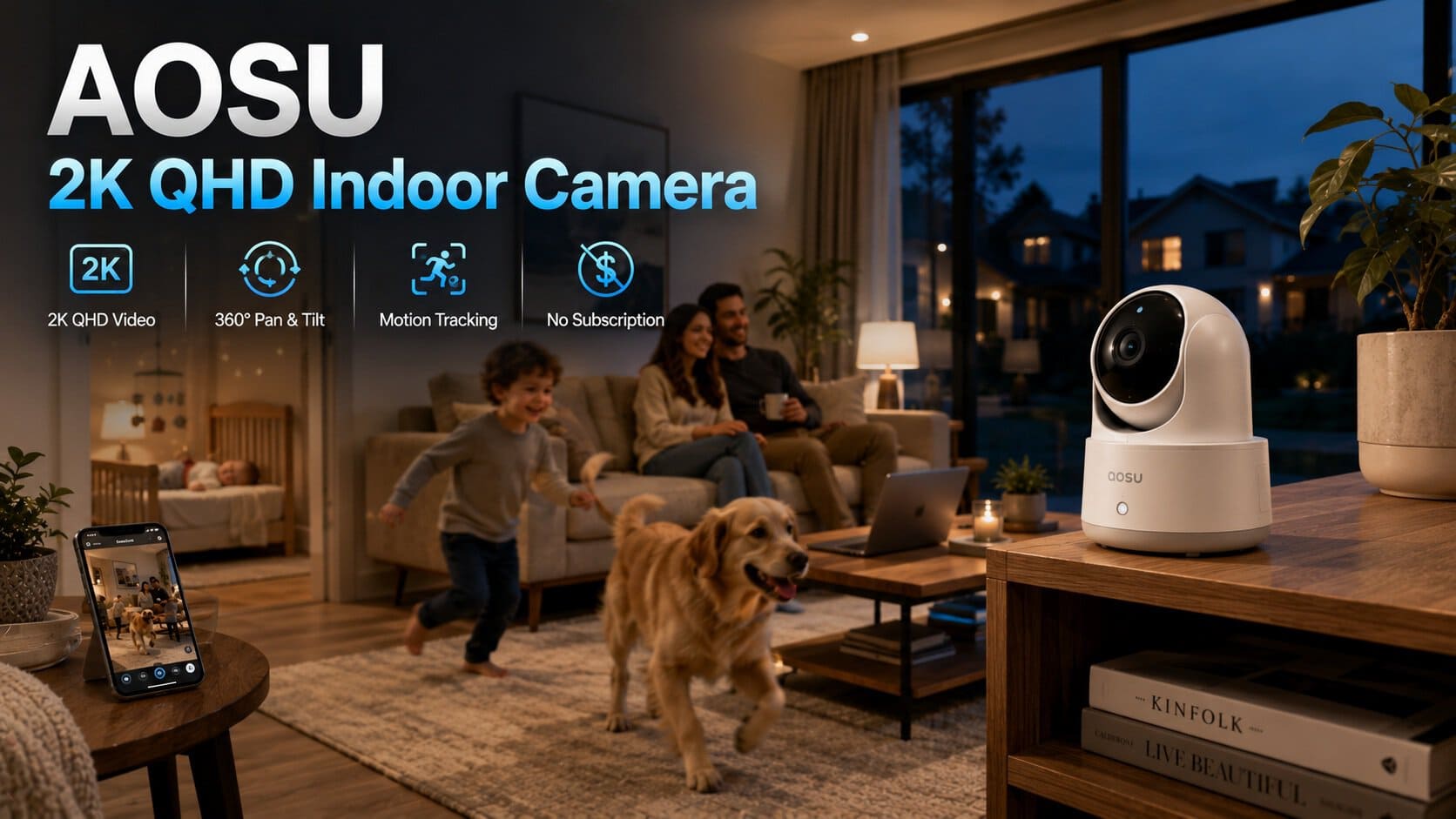
AOSU has built its entire product lineup — indoor, outdoor, solar, and doorbell cameras alike — around a single consistent promise: no monthly subscription, ever. The 2K QHD Indoor Smart Security Camera and Monitor is the company’s flagship indoor model, and it’s worth understanding exactly what that promise delivers before assuming it matches the fuller feature set of category leaders like eufy or Reolink.
Full Specifications
| Spec | AOSU 2K QHD Indoor Camera and Monitor |
|---|---|
| Resolution | 2K QHD (2560×1440) |
| Coverage | 360° horizontal pan, 155° vertical tilt |
| Night vision | Infrared, 940nm invisible LEDs (won’t disturb sleep) |
| Motion tracking | Smart motion tracking — camera physically follows movement |
| Audio | Two-way audio with one-touch call activation |
| Wi-Fi | 2.4GHz (5GHz on select variants — confirm on your specific listing) |
| Storage | Standard microSD card (sold separately) — no subscription required |
| Smart home support | Alexa compatible |
| Expandability | System designed to add cameras and sensors over time |
| Typical use cases | Baby monitor, pet camera, general indoor security |
| Price | Typically $40-70, among the more accessible indoor options |
360° Coverage — The Core Selling Point
Unlike fixed-position indoor cameras that require careful placement to avoid blind spots, the AOSU’s 360° horizontal pan combined with 155° vertical tilt genuinely eliminates the need to think hard about where to point it. Smart motion tracking takes this further — when the camera detects movement, it physically pans and tilts to follow the person or pet automatically rather than relying solely on a wide static field of view. For monitoring a child, an elderly family member, or a pet moving freely around a room, this is a genuinely practical feature that many fixed cameras in this price range don’t offer.
Night Vision Built With Babies in Mind
The 940nm invisible infrared LEDs are a specific, thoughtful design choice — standard 850nm IR LEDs emit a faint red glow visible to the human eye, which can be genuinely disruptive to a sleeping baby or light-sensitive sleeper. AOSU’s use of the higher, fully invisible 940nm wavelength avoids this entirely, a detail that reflects the camera’s clear positioning toward the baby monitor use case specifically, even though it functions equally well as a general indoor security or pet camera.
The No-Subscription Model — What It Actually Means Here
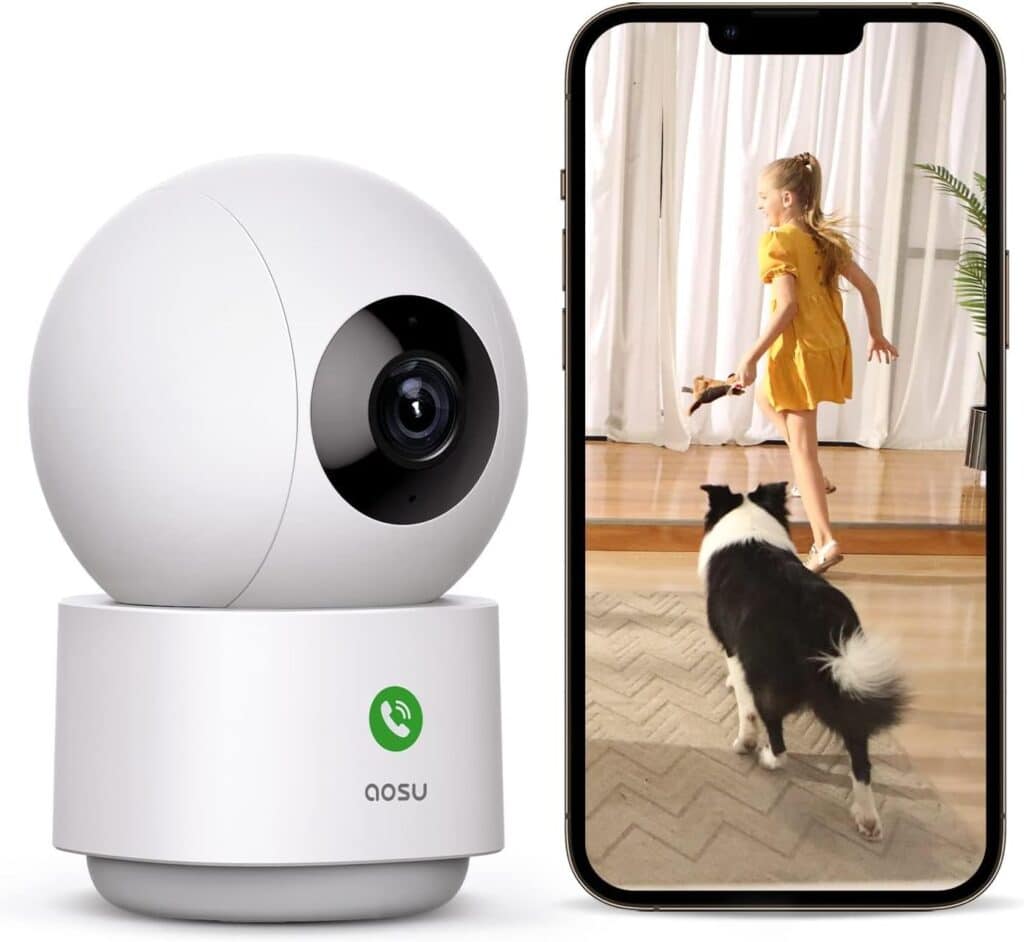
AOSU markets its entire product range around zero monthly fees, and for the core indoor camera, this holds up: motion detection, live viewing, two-way audio, and recording to a standard microSD card (sold separately) all work without any subscription. This is consistent with AOSU’s broader outdoor and doorbell lineup, which explicitly advertises “no subscription required” across the board — a brand-wide positioning rather than a one-off feature on a single model.
Worth understanding clearly: this specific indoor model doesn’t include AI-based person/pet distinction the way some competitors do — it’s smart motion tracking (following movement) rather than AI classification (identifying what’s moving and filtering out false positives). For basic indoor monitoring, motion tracking alone is often sufficient. If you specifically want AI person/pet/package classification to reduce false alerts, that’s a feature more consistently found on higher-tier indoor cameras like the eufy Indoor Cam E30.
AOSU vs eufy Indoor Cam E30 — Which Indoor Camera Fits You
| Factor | AOSU 2K QHD Indoor | eufy Indoor Cam E30 |
|---|---|---|
| Resolution | 2K QHD | 4K |
| Coverage | 360° pan / 155° tilt | 360° pan-and-tilt with auto-tracking |
| AI detection | Motion tracking only — no AI classification | AI distinguishes people, pets, and crying sounds |
| Night vision | 940nm invisible IR | Color night vision with spotlight |
| Smart home | Alexa only | Alexa, Google Assistant, Apple HomeKit |
| Price | Typically lower | Typically higher |
The AOSU is the right choice for buyers prioritizing price and simple, effective motion-following coverage without needing AI classification or broader smart home ecosystem support. The eufy Indoor Cam E30 — covered in our best security cameras without subscription guide — is the step up for buyers who want 4K resolution, color night vision, and genuine AI-based detection that filters false alerts more precisely.
Honest Pros and Cons
Pros: Genuine 360°/155° coverage with physical motion tracking, invisible 940nm night vision suited to babies and light sleepers, no subscription required for core functionality, accessible price point, expandable system design, Alexa compatible
Cons: No AI-based person/pet classification — motion tracking follows any movement rather than filtering it intelligently, 2.4GHz Wi-Fi only on most variants, microSD card sold separately, no Apple HomeKit or Google Assistant support, lower resolution than premium indoor competitors
Who Should Buy the AOSU 2K QHD Indoor Camera
Best for:
- Budget-conscious buyers wanting genuine 360° indoor coverage without a subscription
- Baby monitoring specifically — the invisible IR night vision is a thoughtful, deliberate design choice for this use case
- Pet owners who want motion-following coverage of a room without needing AI species classification
- Alexa households wanting straightforward voice integration
Consider alternatives if:
- You specifically want AI-based person/pet/package classification to reduce false alerts — see the eufy Indoor Cam E30 in our best security cameras without subscription guide
- Apple HomeKit integration is a requirement
- 4K resolution or color night vision are priorities
Frequently Asked Questions
Does the AOSU indoor camera require a subscription?
No — motion detection, live viewing, two-way audio, and recording to a standard microSD card all work without any subscription. This is consistent across AOSU’s entire product lineup, which is explicitly built around a no-monthly-fee positioning.
Does the AOSU camera have AI person or pet detection?
No — this specific model uses smart motion tracking, meaning the camera physically pans and tilts to follow movement, rather than AI-based classification that distinguishes people from pets or filters out false positives. If AI classification matters to you, the eufy Indoor Cam E30 is a stronger option in that respect.
Is the AOSU camera good for a baby monitor?
Yes, and it’s specifically designed with this use case in mind — the 940nm infrared LEDs are fully invisible to the human eye, unlike the faint red glow some cheaper cameras emit, which can disturb a sleeping baby or light-sensitive sleeper.
What Wi-Fi does the AOSU indoor camera need?
Most listings support 2.4GHz only; some variants also support 5GHz. Confirm the specific band support on your exact product listing before purchasing, especially if your home network doesn’t broadcast a 2.4GHz band separately.
Can I expand my AOSU camera system with more devices later?
Yes — AOSU’s system is designed to add cameras and sensors over time as your monitoring needs grow, letting you start with one indoor camera and build out coverage gradually rather than committing to a large system upfront.
The Bottom Line
The AOSU 2K QHD Indoor Smart Security Camera and Monitor delivers exactly what its brand positioning promises — genuine 360° coverage with physical motion tracking and zero subscription cost, at an accessible price point. It’s a strong pick for baby monitoring, pet cameras, and general indoor coverage where AI-based classification isn’t a strict requirement. For buyers who want that added intelligence layer, alongside 4K resolution and broader smart home support, the eufy Indoor Cam E30 is the better-equipped step up.
Check the AOSU 2K QHD Indoor Camera on Amazon →
For the full range of subscription-free indoor and outdoor cameras, see our best security cameras without subscription guide. For understanding what “no subscription” genuinely means across different storage approaches, see our local storage vs cloud storage guide.