This post contains affiliate links. If you buy through our links we may earn a small commission — at no extra cost to you. This never influences our recommendations.
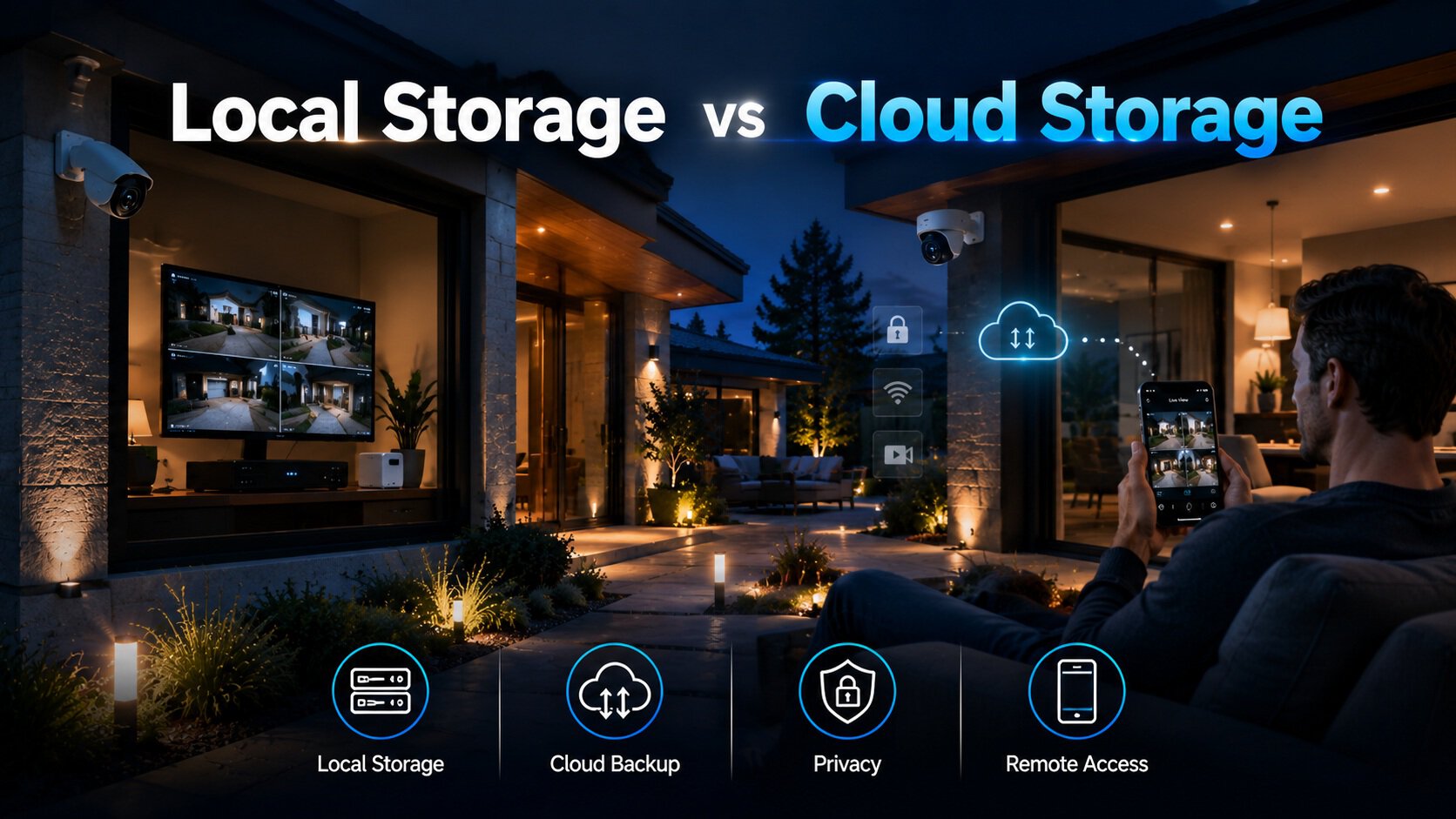
Every security camera, doorbell, and smart lock buying decision on this site eventually comes back to one question: where does your footage actually live? The storage method you choose determines your monthly cost, your privacy, what happens during an internet outage, and even what happens to your evidence if the device itself is stolen. This guide breaks down local storage and cloud storage honestly — what each actually costs over time, and which one fits your situation.
What Local Storage Actually Means
Local storage keeps footage on hardware physically located at your property — a microSD card inside the camera, a home hub like eufy’s HomeBase, or a dedicated NVR (Network Video Recorder) with its own hard drive. Nothing gets uploaded to a third-party server. You own the hardware outright, pay for it once, and there’s no recurring bill attached to keeping your footage.
Local storage comes in three main forms:
- Built-in storage: A few gigabytes built directly into the camera — no card slot needed, but capacity is fixed and limited (eufy’s Indoor Cam E30 and Security E340 doorbell both use this approach)
- Removable microSD: The most common and flexible option — cards range from 32GB to 512GB depending on the camera, and can be swapped or upgraded independently
- Hub/NVR storage: Multiple cameras feed into one central recorder with a much larger hard drive — the standard approach for whole-property coverage with 4+ cameras
What Cloud Storage Actually Means
Cloud storage sends footage over the internet to a provider’s remote servers — Ring Protect, Nest Aware, and Arlo Secure are the most common examples. You access recordings through an app from anywhere with an internet connection, and the provider handles the technical maintenance of keeping your footage stored and backed up.
The trade-off is a recurring subscription, typically ranging from $3 to $20 per camera per month depending on the provider, resolution, and retention period. Most consumer cloud plans store only motion-triggered event clips — typically capped at 7–60 days of retention — rather than continuous 24/7 recording, since continuous cloud recording at scale gets expensive quickly for both the provider and the consumer.
The Real Cost Comparison Over 5 Years
This is where the decision usually gets made, so it’s worth being concrete about the numbers.
| Setup | Local Storage (5-year cost) | Cloud Storage (5-year cost) |
|---|---|---|
| 1–2 cameras | $0 recurring (hardware only) | $180–$1,200 (at $3–$20/mo per camera) |
| 4 cameras | $0 recurring + one NVR/hub purchase | $720–$4,800 |
| 8 cameras | $0 recurring + higher-capacity NVR | $1,440–$9,600 |
The practical rule that emerges from this math: for a single camera or a small 1–2 camera setup, a cloud plan’s flat monthly fee is a relatively small ongoing cost, and the convenience may be worth it to some buyers. Once you’re running 4 or more cameras, local storage wins decisively on 5-year cost — the price of an NVR or hub is a one-time expense that’s typically recovered within the first 12–18 months compared to an equivalent cloud plan.
What Cloud Storage Does Better
Survives physical theft or destruction: If someone steals the camera or a fire destroys your NVR, cloud-stored footage survives on the provider’s remote servers. This is cloud storage’s single clearest advantage — local footage stored only on the stolen or destroyed device is genuinely gone.
Remote access without configuration: Viewing footage from anywhere just requires opening an app — no VPN setup, no port forwarding, no network configuration. For local storage, remote access is possible but requires more technical setup to do securely.
AI features processed server-side: Some cloud platforms use powerful remote servers to distinguish people, packages, vehicles, and pets more precisely than an on-device processor can manage — though this gap has narrowed significantly as on-device AI chips have improved. Most of the cameras recommended throughout this site now handle person/vehicle/package detection entirely on-device, with no cloud processing required.
Zero hardware maintenance: No drives to monitor, no NVR to manage, no local network configuration. For buyers who want the absolute least hands-on technical involvement, this is a genuine convenience.
What Local Storage Does Better
No recurring cost, ever: This is the entire premise of this site. Pay for the hardware once, and your footage costs nothing to keep — no subscription that can increase in price, no risk of losing access if you stop paying.
Works without internet: Local recording continues uninterrupted through an internet or Wi-Fi outage — only remote viewing and notifications are affected. Cloud-only cameras stop recording entirely the moment their internet connection drops, which is precisely when many break-ins and outages coincide (storms, power cuts, deliberately cut internet lines).
Complete privacy control: Footage never leaves your property unless you deliberately export it. No third-party company, and no government entity without a physical search warrant, can access recordings stored entirely on your own hardware.
Higher video quality: Local recording isn’t constrained by upload bandwidth, so it doesn’t need the aggressive compression cloud uploads often require to manage bandwidth costs — resulting in generally sharper stored footage at the same camera resolution.
Continuous 24/7 recording is realistic: Cloud plans that offer true continuous (not just motion-triggered) recording are typically the most expensive subscription tier, if offered at all. NVR-based local storage handles continuous recording as standard, limited only by hard drive capacity.
The Theft Risk — How Real Is It?
The most common objection to local-only storage is: what if the thief takes the camera or the recorder along with everything else? It’s a fair question, and there are three practical mitigations:
- Hub-based storage over in-camera storage: A eufy HomeBase or NVR sitting inside your home (not visible or accessible from outside) keeps footage safer than storage built into an outdoor camera itself, which a thief could physically remove
- Placement matters: Keep the NVR or hub in a locked closet, basement, or interior room — not in an obviously accessible garage or entryway
- Hybrid approach: Some cameras and systems support optional cloud backup alongside local storage — you get the zero-cost benefit of local storage day to day, with an inexpensive backup tier specifically for catastrophic-loss protection
It’s also worth noting: research from criminal justice studies suggests a majority of burglars would seek an alternative target entirely when they spot visible cameras or alarms present — meaning the deterrent value of a visible camera system often matters more than which specific storage method sits behind it.
Hybrid Storage — The Middle Ground
A growing number of systems support both local and cloud storage simultaneously — recording locally as the default, with an optional and typically inexpensive cloud tier layered on top specifically for off-site backup. This combines local storage’s zero-recurring-cost, no-internet-dependency advantages with cloud storage’s protection against physical theft or destruction of the recording hardware.
For most households prioritizing subscription-free operation — which is the entire premise of this site — running local storage as the primary system and skipping the optional cloud tier is the right default. The hybrid option exists for anyone who specifically wants the theft-protection backup and is willing to pay a modest fee for that specific benefit, without committing to a full-price mandatory cloud plan.
Which Storage Method for Which Category
Security cameras (1–3 cameras): Built-in or microSD storage is simplest and covers most single-camera or small-property needs. See our best security cameras without subscription guide.
Security cameras (4+ cameras, whole property): An NVR system is the practical standard — continuous 24/7 recording, centralized storage, and the best 5-year cost profile at this scale. See our best NVR systems without subscription guide.
Video doorbells: Built-in storage (like eufy’s E340) or microSD storage both work well for a single front-door camera — a hub isn’t necessary unless you’re also running a broader camera system. See our best video doorbells without monthly fees guide.
Smart locks: Not applicable in the same sense — locks don’t record video, so this storage decision doesn’t directly apply. See our best smart locks guide for that category’s own considerations.
Frequently Asked Questions
Is local storage actually more private than cloud storage?
Yes, meaningfully so. Footage stored entirely on your own hardware never passes through a third-party server, meaning no company employee and no government entity can access it without physically obtaining a search warrant for your property. Cloud storage, even with strong encryption, still means your footage exists on infrastructure a third party controls and could theoretically access or be compelled to disclose.
What happens to local storage footage if my internet goes down?
Recording continues completely uninterrupted — local storage has no dependency on an active internet connection to save footage. Only remote viewing through an app and push notifications are affected during an outage; the camera keeps recording locally the entire time, and you can review that footage once connectivity returns or by connecting directly to the local network.
Can I switch from cloud storage to local storage later?
It depends on the camera. Some cameras (like most Ring models) are built around cloud storage with no meaningful local alternative. Others — including every camera recommended throughout this site — support local storage as the primary, fully-featured method from day one, with cloud as an optional add-on rather than a requirement. Check a camera’s storage architecture before buying if switching flexibility matters to you.
How much local storage do I actually need?
For a single camera with moderate activity, 128GB typically holds several weeks of motion-triggered 4K footage. For continuous 24/7 recording across multiple cameras via an NVR, budget for 2TB minimum per 4 cameras (roughly 10–14 days of retention), or 4TB for 20–30 days. Retention scales directly with drive size — expanding is usually as simple as adding a larger or additional hard drive.
Is a hybrid system worth the extra cost over pure local storage?
For most households prioritizing subscription-free operation, no — pure local storage delivers the core protection most people need at zero recurring cost. Hybrid makes sense specifically if theft or destruction of the recording hardware itself is a genuine concern for your situation (a highly visible, easily accessible camera or NVR location, for example), and you’re willing to pay a modest fee specifically for that backup protection.
The Bottom Line
For 1–2 cameras, cloud storage’s convenience may be worth its modest monthly cost to some buyers. For anything larger — which describes most complete home security setups — local storage wins decisively on cost, privacy, and reliability during outages. Every product recommended across this site is chosen specifically because it delivers full functionality on local storage alone, with no feature gated behind a mandatory subscription.
To put this into practice, start with our best security cameras without subscription guide for outdoor and indoor camera coverage, our best video doorbells without monthly fees guide for the front door, and our best NVR systems without subscription guide if you’re covering an entire property with continuous recording.