This post contains affiliate links. If you buy through our links we may earn a small commission — at no extra cost to you. This never influences our recommendations.
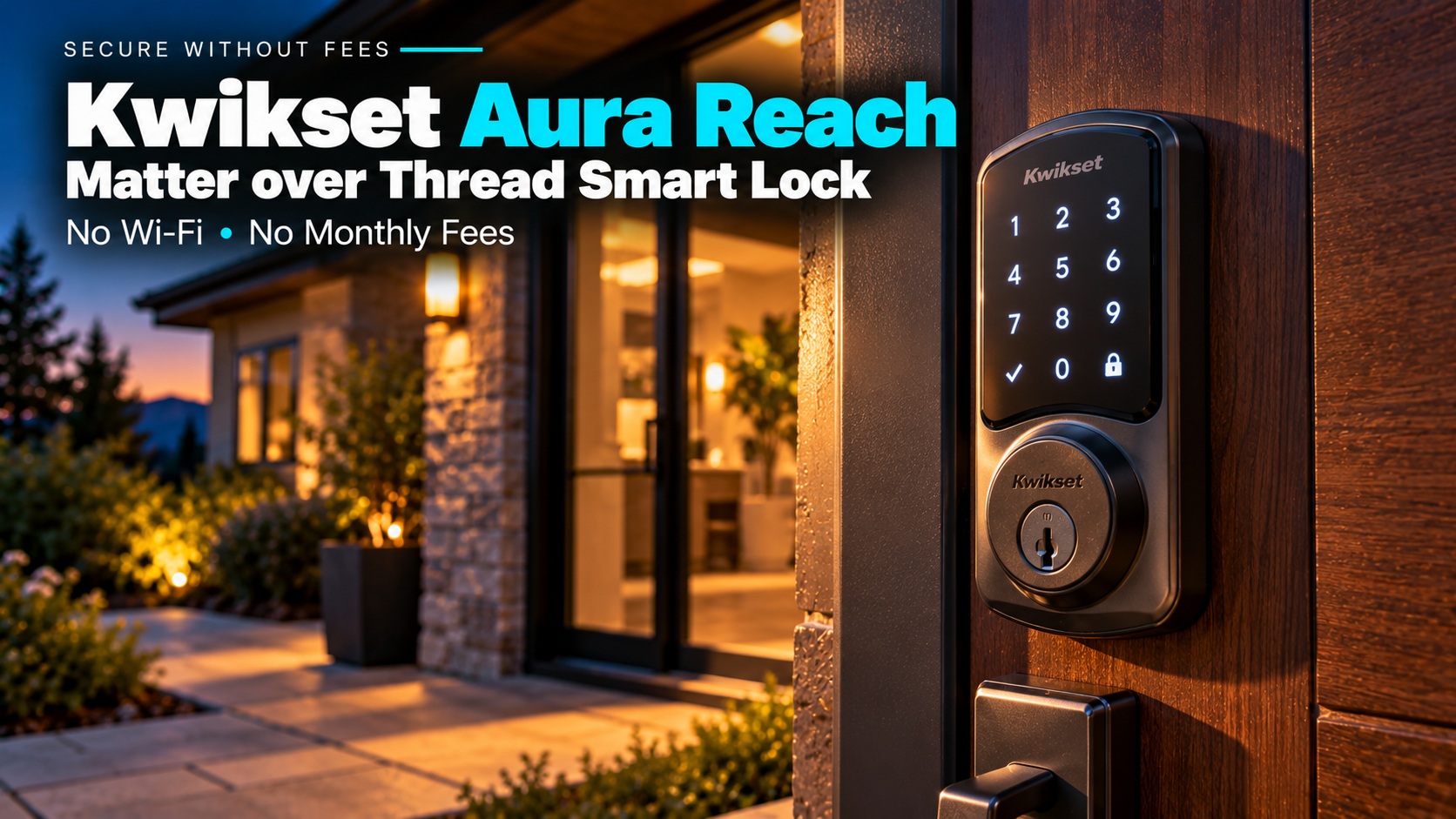
The Kwikset Aura Reach is a keypad deadbolt that skips Wi-Fi and uses Bluetooth plus Matter over Thread. It takes four AA batteries, holds up to 250 codes and works with Apple Home, Google Home, Alexa and SmartThings.
The catch is that “Matter over Thread” has a hidden cost. Kwikset says no hub is required, but to lock or unlock from away you still need a Thread border router, such as a compatible smart speaker or Apple TV. Without one, you only get Bluetooth when you’re near the door.
| Feature | Kwikset Aura Reach |
|---|---|
| Connectivity | Bluetooth and Matter over Thread (no Wi-Fi) |
| Entry | Backlit keypad, app and two keys |
| Access codes | Up to 250 |
| Power | 4 AA batteries (included) |
| Security rating | ANSI/BHMA Grade 2, SmartKey rekeying |
| Works with | Apple Home, Google Home, Alexa, SmartThings |
| Apple Home Key | No |
| Typical price | About $155–$190 (estimate) |
What Works With No Subscription
Kwikset’s product pages don’t mention any subscription or fee. Codes, schedules, guest sharing, alerts and the activity log run through the free Kwikset app.
The keypad, the physical keys and Auto-Lock work with no app and no network. Bluetooth handles setup and local control, and Kwikset says basic functions don’t need the cloud.
For a roundup of fee-free locks, see our best smart locks.
What You Need Before You Buy
A Thread border router. PCWorld says most modern smart speakers from Amazon, Apple and Google, plus the Apple TV 4K, can do the job, but check your exact model. SmartHomeCompared also lists the Aeotec Smart Home Hub and Home Assistant Green as compatible.
A Matter app. Remote control, voice commands and routines come from Apple Home, Google Home, Alexa or SmartThings. Kwikset’s own app handles setup and most lock settings.
Realistic expectations for auto-unlock. Hands-free unlock uses Bluetooth and geofencing, not Ultra Wideband. HomeKit News calls that less precise, so expect it to work best on a phone that’s close by and awake.
Bluetooth vs Thread: What You Get Where
The lock has two connections, and they do different jobs. Knowing which one you’re relying on explains most of the complaints you’ll read about it.
| Connection | What it handles | Needs |
|---|---|---|
| Bluetooth | Setup, local control, codes, guest sharing, auto-unlock | Your phone near the door |
| Matter over Thread | Remote lock and unlock, voice commands, smart home routines | A Thread border router and a Matter app |
HomeKit News notes that alerts reach you through the app mainly when you’re nearby. If you want notifications and remote control when you’re away, the Thread side is what delivers them.
Kwikset Aura Reach Review
Kwikset Aura Reach Smart Lock
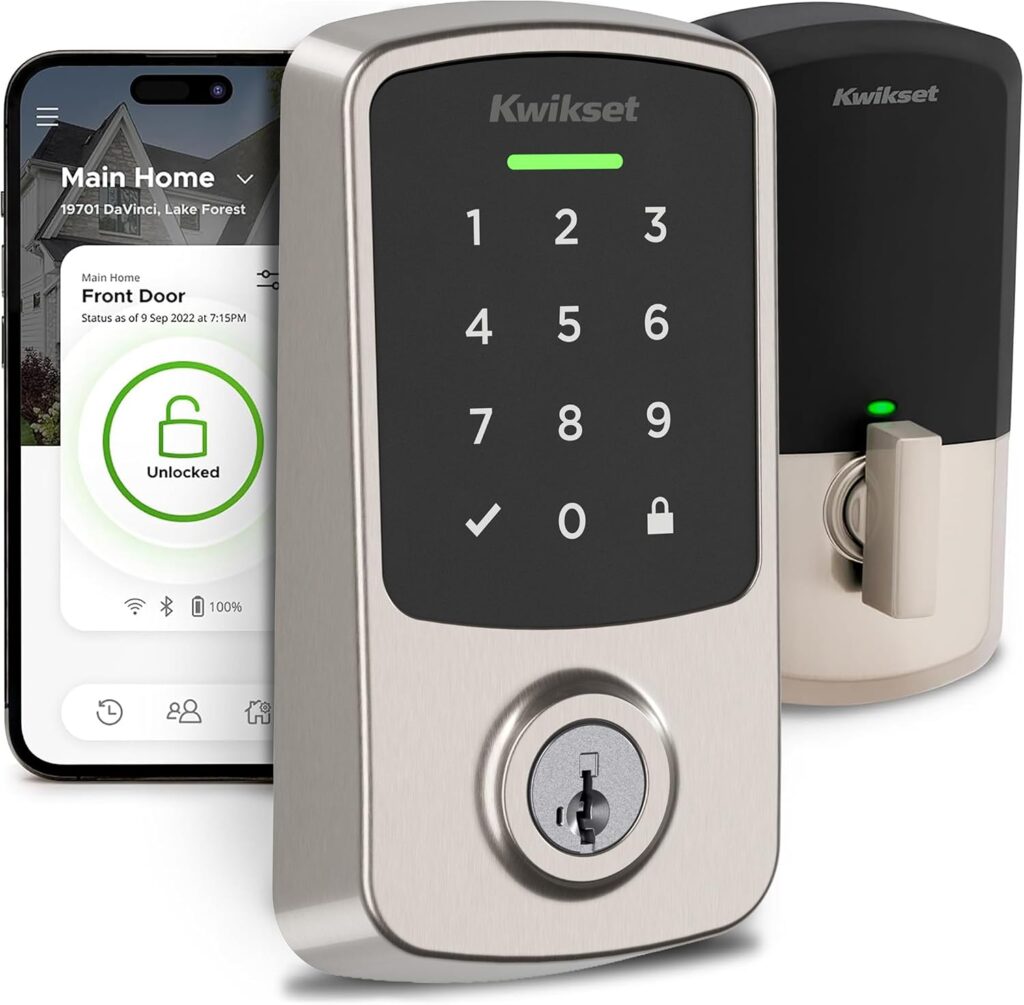
The Aura Reach replaces your whole deadbolt, and Kwikset says it needs only a screwdriver and the in-app install guide. It fits doors from 1-3/8″ to 2-1/4″ thick. Its backlit keypad lights up as you approach, and the matte surface is meant to resist fingerprints.
Kwikset’s SmartKey cylinder can be rekeyed to match your existing key in seconds, and two keys come in the box. The Grade 2 rating is a step below Grade 1 commercial locks, though that’s typical for smart deadbolts at this price.
The name’s “Reach” refers to a Signal Range Boost setting in the app. Kwikset says it doubles the radio’s signal strength on a Matter network, which can help if your Thread connection drops at the door.
Here is what to weigh. There is no Apple Home Key because the lock has no NFC, no fingerprint reader and no door position sensor, so the app shows whether the bolt is thrown, not whether the door is open. SmartHomeCompared lists the electronics warranty as one year, with a lifetime finish and mechanical warranty. When it checked, the Amazon rating was 3.3 from 77 ratings, so the lock has little track record.
Owner reports on Home Depot are mixed, though many of those reviews cover the older Bluetooth-only Aura. Some owners describe Bluetooth that needs a second try even at close range, and one said their lock kept unlocking by itself, to which Kwikset replied that it shouldn’t. That is a small sample, not a pattern.
Kwikset doesn’t publish battery life. SmartHomeCompared rates the four AAs at about 12 months, which is its figure rather than Kwikset’s.
| Pros | Cons |
|---|---|
| No Wi-Fi, no hub from Kwikset 250 codes with schedules Works with Apple, Google, Alexa and SmartThings Rekeyable SmartKey, two keys included |
Needs a Thread border router for remote use No Apple Home Key or fingerprint No door position sensor Bluetooth auto-unlock isn’t precise |
Best for: Households that already own a Thread-capable speaker or Apple TV and want a fee-free keypad lock without Wi-Fi.
Full details and current price: Kwikset Aura Reach Smart Lock on Amazon
Who Should Skip It
If you don’t own a Thread border router and don’t want to buy one, a Wi-Fi lock is simpler. Our Schlage Encode review covers a Wi-Fi deadbolt, and the Yale Assure Lock 2 review covers a Yale that can run on Wi-Fi or Bluetooth.
The Aura Reach is also one of three picks in our Kwikset smart lock guide, if you want to compare it with the Halo models.
FAQ
Does the Kwikset Aura Reach need Wi-Fi?
No. It uses Bluetooth and Matter over Thread. You need a Thread border router for remote control.
Does the Aura Reach need a hub?
Kwikset says no hub is required. A Thread border router, such as a compatible smart speaker or Apple TV, takes the place of one for remote access.
Does it work with Apple Home Key?
No. The lock has no NFC, so it doesn’t support Apple Home Key.
How many access codes does it hold?
Up to 250 temporary, scheduled or permanent codes. You manage them in the Kwikset app.
Can I install it myself?
Yes. Kwikset describes it as a DIY install with a screwdriver and an in-app guide, and it replaces your existing deadbolt.
Final Verdict
The Kwikset Aura Reach is a solid, fee-free keypad lock for homes that already have a Thread border router. If you don’t, add one to the budget first, or choose a Wi-Fi lock.