
This post contains affiliate links. If you buy through our links we may earn a small commission — at no extra cost to you. This never influences our recommendations.
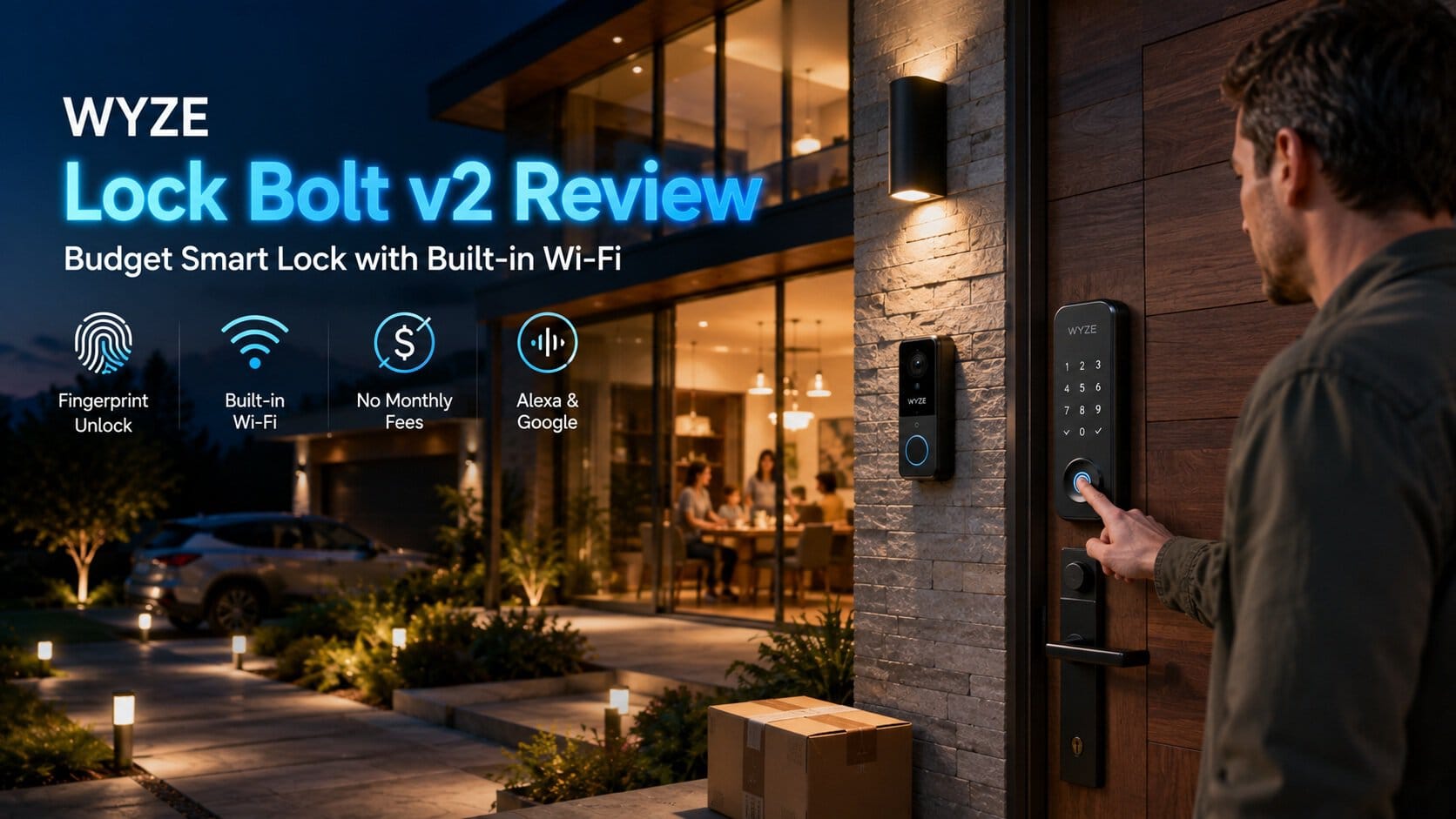
Wyze has built a reputation on delivering capable smart home hardware at prices that seem almost too good to be true — and the Lock Bolt v2 continues that pattern. At under $80, it packs in AI-learning fingerprint recognition, built-in Wi-Fi, and genuinely subscription-free operation. This review covers the full spec sheet, what independent testing confirms, and one honest trade-off worth understanding before you install it.
Full Specifications
| Spec | Wyze Auto-Lock Bolt v2 |
|---|---|
| Entry methods | Fingerprint, keypad code, app, physical backup key — 5 total unlock methods |
| Fingerprint recognition | 0.5 seconds, AI self-learning (improves accuracy over time) |
| Connectivity | Built-in Wi-Fi — no hub required (new to v2) |
| Battery | 8× AA batteries, up to 8 months, USB-C emergency backup port |
| Security certification | BHMA Grade 2 |
| Weatherproofing | IP53 |
| Fingerprint sensor | Scratch and smudge-resistant tempered glass, anti-peep keypad |
| Auto-lock | Yes, with adjustable delay timer |
| Doorbell integration | Unlocks directly from a Wyze Video Doorbell’s live feed when paired |
| Smart home support | Alexa, Google Assistant |
| Subscription required | No — core fingerprint and app functionality included free |
| Price | Typically $79-80 |
What Changed From v1 — The Wi-Fi Upgrade
This distinction matters if you’re comparing reviews or older listings. The original Wyze Lock Bolt (v1) was Bluetooth-only — genuinely capable for local use, but lacking any remote access or app control without also owning a separate Wyze Video Doorbell to bridge that gap. Wyze’s own team has been direct about this being the most common customer feedback on v1: the low price wasn’t worth losing Wi-Fi access. The v2 specifically addresses this, adding built-in Wi-Fi at essentially the same price point — a genuine improvement, not just a cosmetic refresh.
Fingerprint Performance — Fast and Genuinely Improving Over Time
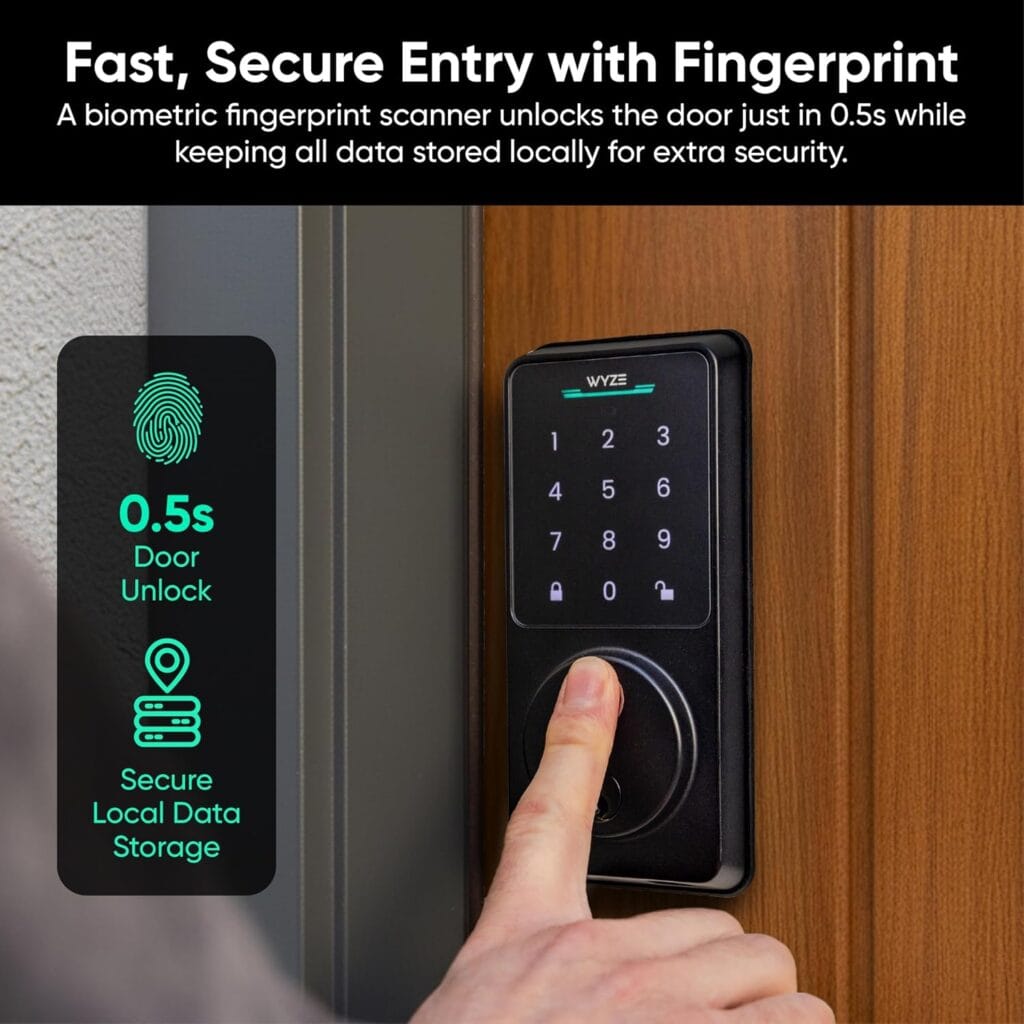
Independent testing confirmed the 0.5-second fingerprint unlock claim, with one reviewer specifically noting fingerprints “enroll quickly” and the scanner is “very accurate (though not perfect).” The AI self-learning component is a genuinely useful design choice at this price point — rather than a static fingerprint template that either matches or doesn’t, the system adapts to subtle variations in how you touch the sensor over time, reducing failed scans as it learns your specific pattern.
An Honest Weatherproofing Trade-off Worth Knowing
This is worth flagging directly. The Lock Bolt v2 carries an IP53 rating — protected against dust and light water spray, but notably less protective than the IP65 rating found on premium competitors like the Ultraloq U-Bolt Pro and eufy Smart Lock E31, both covered in our best smart locks guide. In practical terms, IP53 is generally adequate for a door with some overhang protection, but may not hold up as well on a fully exposed exterior door facing direct, heavy rainfall over time.
Interestingly, the original v1 model actually carried an IPX5 rating — meaning water jet resistance from any direction — a genuine step down in the v2’s specific weatherproofing spec, even as it gained Wi-Fi. If your door is fully exposed to weather without any overhang, this trade-off is worth factoring into your decision, or consider adding a storm door or awning for extra protection.
Build Quality — A Fair, Honest Assessment
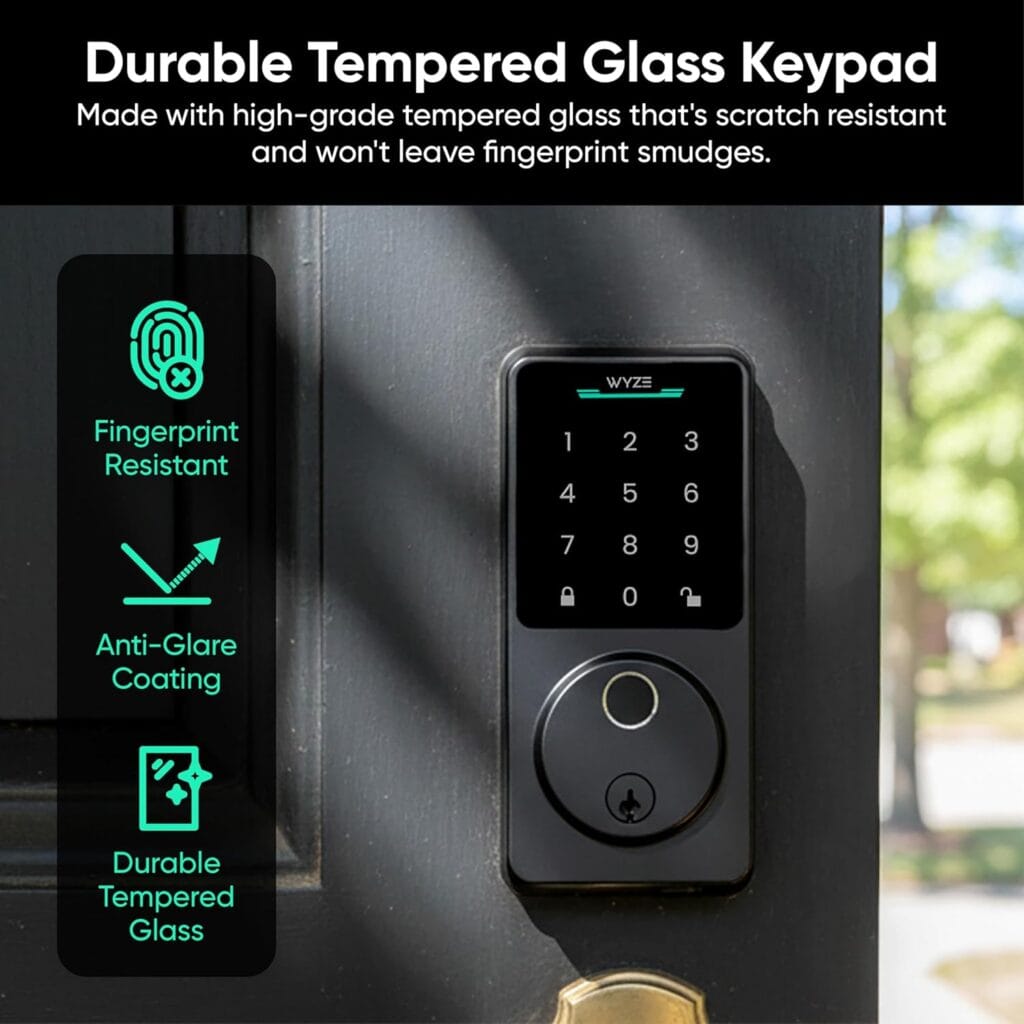
One detailed comparison across ten different smart lock brands specifically noted the Lock Bolt “feels noticeably plastic compared to premium brands” — a fair critique worth passing along rather than glossing over. Installation, however, was consistently rated straightforward, with one detailed review clocking assembly at 28 minutes and describing the process as easier than the number of included parts might suggest, provided you keep track of the included measuring template for door fit.
Battery Life and Emergency Backup
Eight AA batteries — notably more than the 4 batteries typical of many competitors — power the lock for up to 8 months under normal use. If batteries do run out unexpectedly, a USB-C port lets you power the lock temporarily using any common power bank to get back inside, alongside the standard physical backup keys included with every unit.
Honest Pros and Cons
Pros: Genuinely fast 0.5-second fingerprint unlock with AI self-learning, built-in Wi-Fi with no hub required, no subscription for core functionality, straightforward ~28-minute installation, 5 total unlock methods, USB-C emergency power backup, remarkably low price for the feature set
Cons: IP53 weatherproofing rating is lower than premium competitors — a genuine step down from the original v1’s IPX5 rating, build feels noticeably more plastic than premium brands, BHMA Grade 2 rather than Grade 1 certification, no Apple HomeKit support
Who Should Buy the Lock Bolt v2
Best for:
- Budget-conscious buyers wanting genuine fingerprint and Wi-Fi functionality without a premium price tag
- Doors with some weather protection (overhang, covered entry) rather than full direct exposure
- Existing Wyze ecosystem owners wanting doorbell-to-lock integration
- Renters or first-time smart lock buyers testing the category before investing in a premium option
Consider alternatives if:
- Your door is fully exposed to direct rain with no overhang — see the IP65-rated Ultraloq or eufy options in our smart locks guide
- You want the highest available security certification — Grade 1 options are covered in our best smart locks guide
- Apple HomeKit integration is a requirement
Frequently Asked Questions
Does the Wyze Lock Bolt v2 require a subscription?
No — fingerprint entry, keypad access, and app-based remote management all work with zero subscription requirement. This is confirmed consistently across independent reviews and Wyze’s own product documentation.
What’s the difference between the Wyze Lock Bolt v1 and v2?
The v2’s headline addition is built-in Wi-Fi, letting you control and monitor the lock remotely without needing a separate Wyze Video Doorbell as a bridge, which v1 required for any remote functionality. Interestingly, the v2 also carries a lower IP53 weatherproofing rating compared to v1’s IPX5 rating — a genuine trade-off alongside the Wi-Fi upgrade.
Is the Wyze Lock Bolt v2 weatherproof enough for an exposed front door?
It carries an IP53 rating, which handles dust and light water spray reasonably well but offers less protection than the IP65 rating on premium competitors. For a fully exposed exterior door with no overhang facing direct, heavy rainfall, a higher-rated lock may be the safer long-term choice.
How accurate is the fingerprint scanner?
Independent testing found it fast (0.5 seconds) and generally very accurate, with AI self-learning technology that improves recognition over time as it adapts to your specific touch pattern. No fingerprint scanner is described as perfect by reviewers, but the accuracy is considered strong for this price point.
Does the Wyze Lock Bolt v2 work with a Wyze Video Doorbell?
Yes — when paired with a Wyze Video Doorbell, you can unlock the door directly from the doorbell’s live video feed, letting you visually confirm who’s there before granting entry, a genuinely convenient integration for existing Wyze ecosystem owners.
The Bottom Line
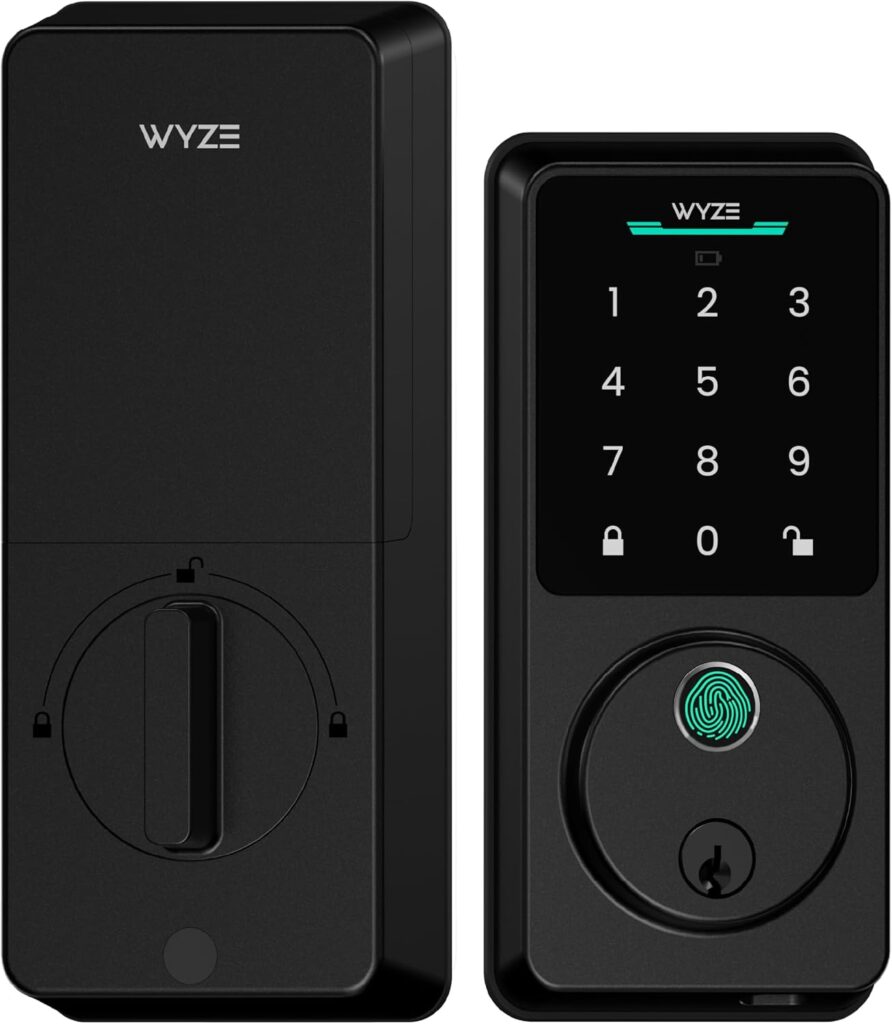
The Wyze Lock Bolt v2 delivers remarkable value for its price — fast, AI-improving fingerprint entry, genuine built-in Wi-Fi, and zero subscription cost, all for under $80. The honest trade-offs are a lower IP53 weatherproofing rating (a step down from even the original v1) and a build quality that fairly reads as more plastic than premium competitors. For budget-conscious buyers with a reasonably protected entry point, it’s a genuinely smart choice; for a fully exposed door facing direct weather, a higher-rated premium lock is the safer long-term investment.
Check the Wyze Auto-Lock Bolt v2 on Amazon →
For the full lineup of subscription-free smart locks, see our best smart locks guide. For whole-home security beyond the front door, see our best security cameras without subscription guide.