
This post contains affiliate links. If you buy through our links we may earn a small commission — at no extra cost to you. This never influences our recommendations.
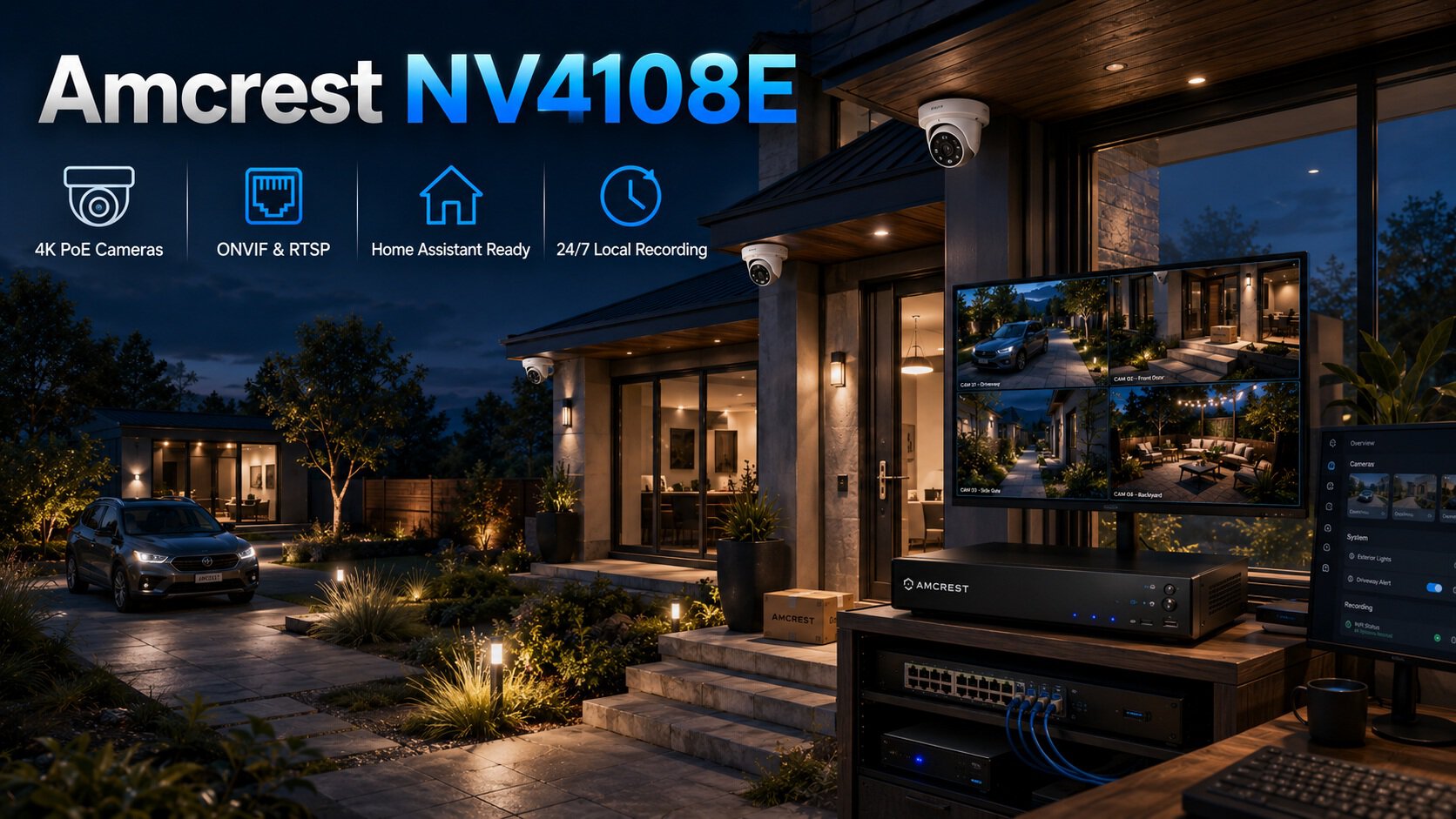
Amcrest has built its reputation on prosumer-grade hardware with genuinely deep third-party compatibility — a real differentiator from more closed-ecosystem competitors. This review covers what independent owner analysis consistently confirms, one honest technical detail about default frame rate that catches some buyers off guard, and why this specific system is the pick for anyone running Home Assistant or Frigate.
Full Specifications
| Spec | Amcrest NV4108E Complete System |
|---|---|
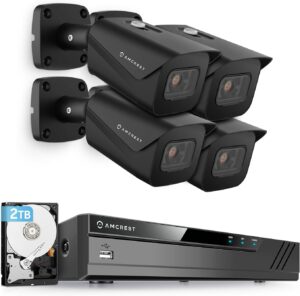
| Cameras included | 4× 8MP (4K) turret cameras, 105° wide-angle lens |
| NVR | 8-channel PoE, supports up to 8× 8MP/4K cameras |
| Max bandwidth | 80 Mbps incoming |
| Storage | 2TB pre-installed, expandable up to 10TB (single SATA bay) |
| Default 4K frame rate | 15fps (adjustable, but not 30fps by default — see note below) |
| Third-party compatibility | ONVIF and RTSP support, documented HTTP CGI API — works with Home Assistant, Frigate, Blue Iris |
| Company origin | US-headquartered (Houston, TX) |
| Audio | Built-in microphones for one-way audio monitoring |
| App | Amcrest View — QR code setup for live viewing and playback |
| Warranty | 1 year |
| Subscription required | No — optional Amcrest Cloud add-on exists but isn’t required |
Image Quality — Confirmed Sharp by Independent Analysis
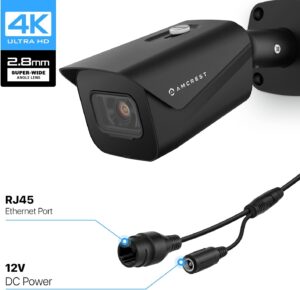
Extensive owner-review analysis consistently found daytime footage sharp enough to read license plates and identify faces at reasonable distances — a meaningful step up from the 1080p systems many buyers were replacing. The 105-degree wide-angle lens covers a genuinely broad area per camera, useful for driveways or storefronts without needing multiple cameras to eliminate blind spots.
The Honest Frame Rate Detail Most Listings Don’t Mention
This is worth flagging directly, since independent review analysis specifically noted it catches buyers off guard: at full 4K resolution, the default recording frame rate is 15fps rather than the 30fps some buyers assume comes standard. This is adjustable in settings, but the trade-off is real — pushing frame rate higher at full 4K resolution increases bandwidth and storage demands significantly, and the system’s compression settings need to be tuned to actually run all 8 channels at 4K simultaneously without exceeding the NVR’s 80 Mbps bandwidth ceiling. If smooth 30fps motion at full 4K across every channel matters to you specifically, plan to spend time in the settings menu rather than assuming default configuration delivers it.
Third-Party Integration — Where Amcrest Genuinely Leads
This is Amcrest’s clearest differentiator against Reolink and similar closed-ecosystem competitors: deep, well-documented ONVIF and RTSP support, plus a published HTTP CGI API. Independent analysis of the broader Amcrest lineup specifically concludes the brand is “the clear pick” for prosumer buyers running Home Assistant, Frigate, or Blue Iris — software that pulls camera streams directly for custom automation, local AI processing, or advanced dashboard integration beyond what any manufacturer’s own app offers.
If you’re a smart-home enthusiast who wants your security cameras to plug into a broader self-hosted ecosystem rather than staying locked to a single vendor’s app, this is a genuine, well-documented reason to choose Amcrest specifically over closed-ecosystem alternatives.
Honest Build and Interface Notes
One detailed hands-on review was direct about the NVR’s limitations: the interface “feels dated,” and the cooling fan is “definitely audible” — neither is a dealbreaker, but both are worth knowing going in rather than discovering after purchase. The same review concluded the system nonetheless “does the core job reliably,” recording multiple 4K cameras continuously or on motion, with straightforward footage review and export.
At least one real owner reported initial difficulty configuring port forwarding through the mobile app specifically, though the same setup was completed without issue using a computer instead — worth knowing if you plan to configure remote access primarily from a phone.
Customer Support — Consistently Praised
Across multiple independent owner reviews spanning several years, Amcrest’s support team is repeatedly and specifically praised by name for resolving setup issues — a consistent pattern rather than an isolated positive review. For a system that requires more hands-on configuration than a closed-ecosystem alternative (particularly around frame rate tuning and remote access setup), responsive support genuinely matters, and this appears to be a real strength rather than a marketing claim.
Honest Pros and Cons
Pros: Sharp 4K image quality confirmed across extensive owner review analysis, deep ONVIF/RTSP third-party compatibility (best-in-class for Home Assistant and Frigate users), US-headquartered company, consistently praised customer support, wide 105° coverage per camera, no subscription required for core functionality
Cons: Default 4K frame rate is 15fps, not 30fps — requires manual configuration for smoother motion, interface described as dated by at least one hands-on reviewer, audible cooling fan, mobile app port-forwarding setup can be finicky compared to using a computer, only 1-year warranty versus 2 years on some competitors
Who Should Buy the Amcrest NV4108E
Best for:
- Smart-home enthusiasts running Home Assistant, Frigate, or Blue Iris who want deep third-party integration
- Buyers who specifically want a US-headquartered company behind their security hardware
- Small business owners monitoring a parking lot, warehouse entrance, or retail stockroom
- DIY installers comfortable spending time in settings to tune frame rate and compression for their specific needs
Consider alternatives if:
- You want the simplest possible out-of-box experience with minimal settings tuning — see our Reolink RLK8-800B4 review for a more plug-and-play closed-ecosystem alternative
- A 2-year warranty matters more to you than third-party integration depth
Frequently Asked Questions
Does the Amcrest NV4108E record at full 30fps by default?
No — at full 4K resolution, the default frame rate is 15fps. This is adjustable, but increasing it raises bandwidth and storage demands significantly, and running all 8 channels at higher frame rates and full 4K simultaneously requires staying within the NVR’s 80 Mbps bandwidth ceiling. Plan to spend some time in the settings menu if smooth 30fps 4K across every channel is a requirement.
Does the Amcrest NV4108E require a subscription?
No — core recording, playback, and live viewing all work on local storage with no subscription required. An optional Amcrest Cloud add-on exists for off-site backup, but it’s never mandatory for full functionality.
Can I use third-party cameras with the Amcrest NV4108E?
Yes, and this is one of the system’s genuine strengths — strong ONVIF and RTSP protocol support means the NVR works reasonably well with cameras beyond Amcrest’s own lineup, a meaningful advantage over more closed competitor ecosystems.
Is Amcrest a good choice for Home Assistant or Frigate?
Yes — independent analysis of the broader Amcrest lineup specifically identifies it as the clear pick at the home tier for prosumer buyers running these platforms, thanks to deep ONVIF/RTSP support and a documented HTTP CGI API that competitors don’t match at a comparable price point.
How long is the warranty on the Amcrest NV4108E?
One year, which is shorter than some competitors’ 2-year terms. Amcrest’s customer support is consistently and specifically praised across independent owner reviews, which may offset the shorter formal warranty period for buyers who value responsive help during setup and troubleshooting.
The Bottom Line
The Amcrest NV4108E delivers genuinely sharp 4K image quality and the deepest third-party integration available at this price point — a real differentiator for Home Assistant, Frigate, and Blue Iris users specifically. The honest trade-offs are a default frame rate that requires manual tuning to reach 30fps, a dated interface, and a shorter warranty than some competitors. For DIY-minded buyers who want an open, extensible system and don’t mind spending some time in the settings menu, it’s a strong choice backed by consistently praised support.
Check the Amcrest NV4108E on Amazon →
For the full lineup of subscription-free NVR systems, see our best NVR systems without subscription guide. For single-camera coverage, see our best security cameras without subscription guide.