This post contains affiliate links. If you buy through our links we may earn a small commission — at no extra cost to you. This never influences our recommendations.
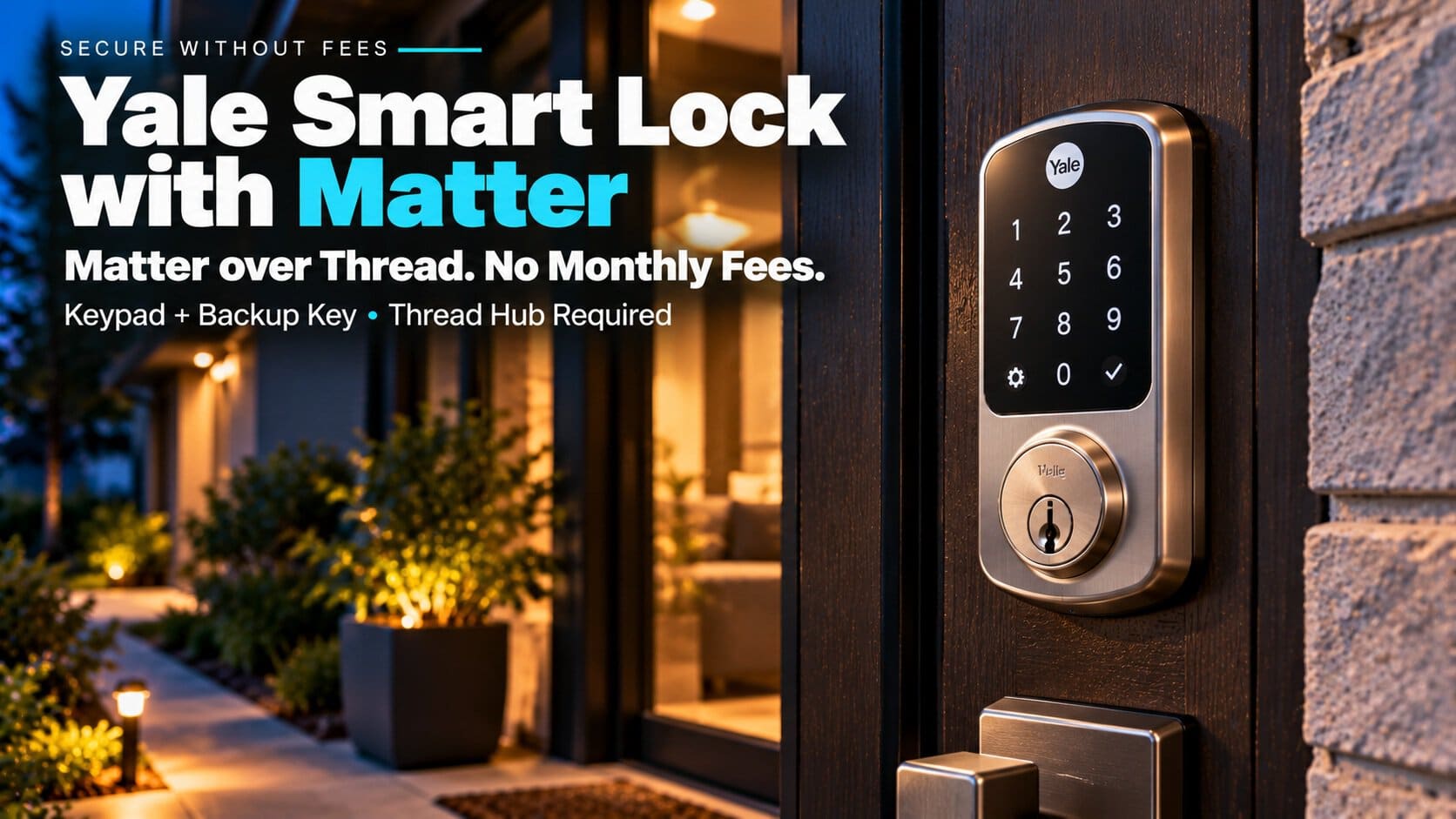
The Yale Smart Lock with Matter (model YRD510) is Yale’s first deadbolt with Matter over Thread built in. It has a keypad and a backup key, runs on four AA batteries, and works with Google Home, Apple Home, SmartThings and Alexa.
The catch is that it does not use Wi-Fi at all. To control it away from home, you need a Thread border router such as a Nest Hub or Apple TV, and some features differ by app.
| Feature | Yale Smart Lock with Matter |
|---|---|
| Connectivity | Matter over Thread, plus Bluetooth |
| Wi-Fi | No |
| Entry | Keypad and physical key |
| Power | 4 AA batteries (included) |
| Needs | Thread border router and a Matter app |
| Works with | Google Home, Apple Home, SmartThings, Alexa |
| Typical price | About $170–$190 |
What Works With No Subscription
No subscription is mentioned in Yale’s FAQ or in the reviews. Locking, unlocking, guest codes and alerts run through your smart home app over Thread, and Home Assistant users can control it locally without Yale’s cloud.
Yale’s own FAQ says guest and entry code management works in Google Home, Apple Home and SmartThings. Alexa gets remote lock control but not entry codes.
For a broader look at fee-free locks, see our best smart locks roundup.
What Works in Each App
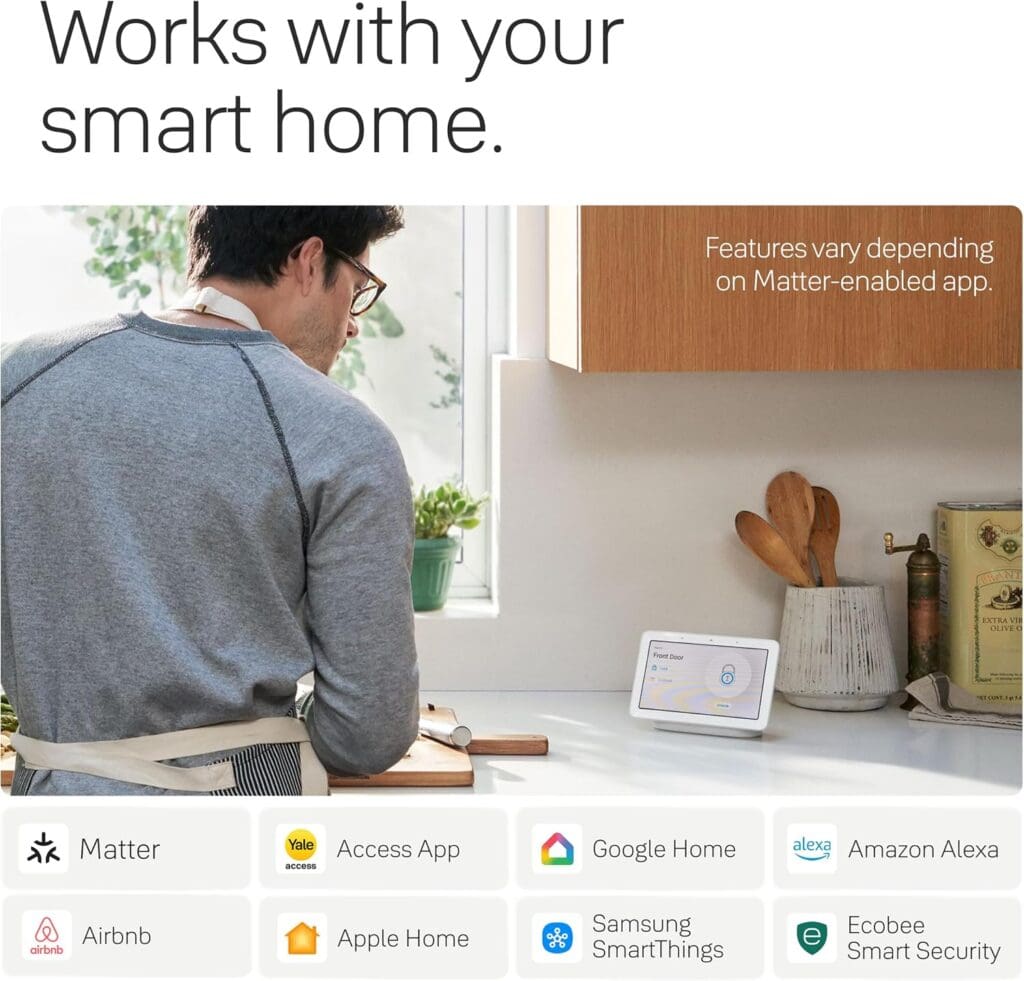
Because Matter is a shared standard, each app only shows the parts of the lock it supports. This is where the lock differs most from a Wi-Fi lock with its own app.
| App | Entry codes and guests | Remote lock | Notes |
|---|---|---|---|
| Google Home | Yes | Yes | Adds DoorSense, auto-lock and auto-unlock |
| Apple Home | Yes | Yes | No auto-lock or auto-unlock |
| Samsung SmartThings | Yes | Yes | Matches Apple Home for codes and remote control |
| Amazon Alexa | No | Yes | Remote control and routines only |
Google Home is the best-supported app, which fits a lock that is marketed as the successor to the Nest x Yale lock. In Google Home you can set guest codes with start and end dates and day-and-time limits, and a vacation mode that turns off keypad entry while app and key unlocking still work.
If you mostly use Alexa, check this table first. Without entry-code management there, you would need to manage guest codes in another app.
What You Need Before You Buy
A Thread border router. Yale says routers from Google, Apple, Amazon and Samsung work. Reviewers tested with a Nest Hub Max, an Apple TV 4K and a Nest Wifi Pro. Without one, the lock only works over Bluetooth, and you lose remote access.
One app for codes. Yale recommends setting entry codes in only one app, and the lock can’t be run in the Yale Access app and a Matter app at the same time. Tom’s Guide also warns that setting it up through Yale Access can stop you adding it to other Matter platforms.
Router settings. 9to5Google needed IPv6 enabled on a Nest Wifi Pro before pairing worked.
How to Set It Up
Setup is quick if you do it in the right order. Reviewers put the physical install at roughly 15 to 20 minutes, since the lock replaces your old deadbolt rather than sitting on top of it.
1. Set up your Thread border router first. Get your Nest Hub, Apple TV, HomePod or other router working before you touch the lock. Yale says to keep it within 50 feet of the lock, and ideally within 25 feet.
2. Pair in one Matter app. Pick the app you will use most, such as Google Home or Apple Home, and scan the lock’s QR code there rather than in Yale Access. You can add other apps afterward from the first one.
3. Create your codes in that app. Yale recommends managing entry codes in a single app.
If pairing fails on a Nest Wifi Pro, check that IPv6 is on in the router’s advanced settings. 9to5Google also hit a bug where one-tap unlock kept asking for a PIN, and clearing the Google Home app’s storage fixed it.
Yale Smart Lock with Matter Review
Yale Smart Lock with Matter
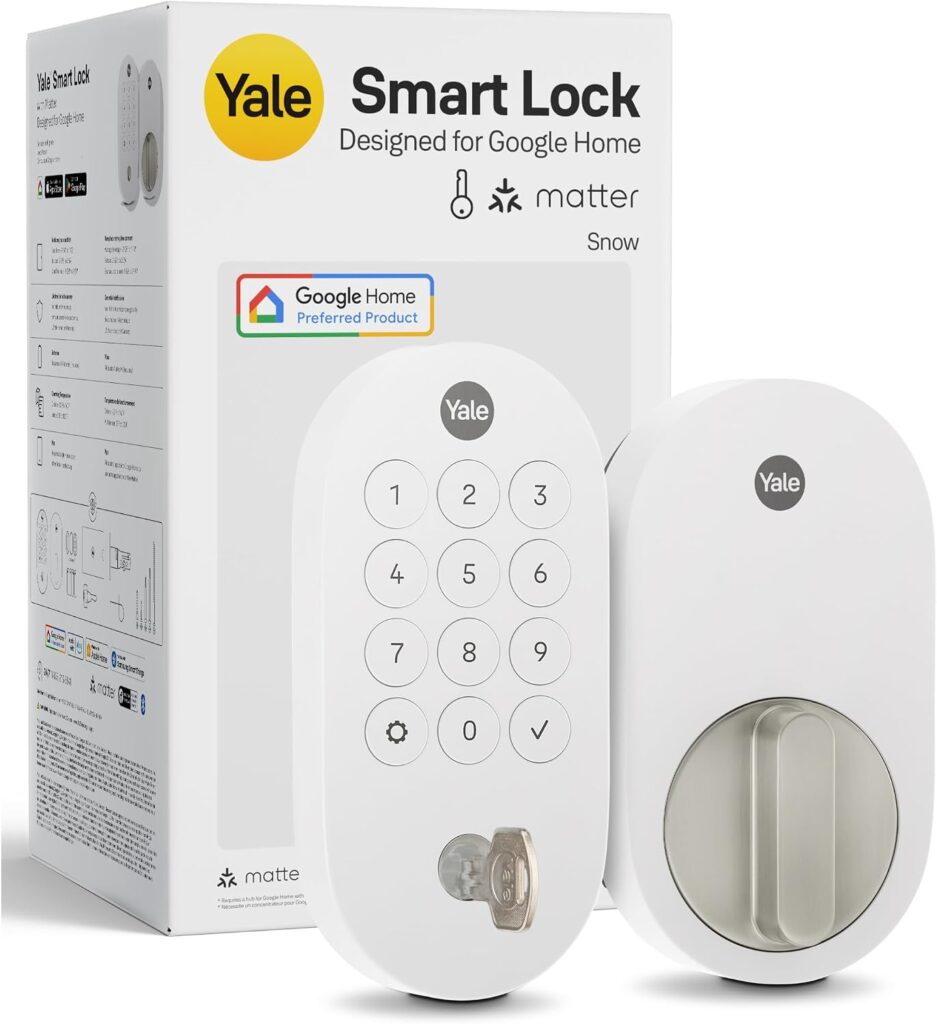
This is a full deadbolt replacement, not a retrofit. 9to5Google put the install at about 15 to 20 minutes, and it comes with a 9-digit keypad, a backup key and a touch sensor on the exterior for locking as you leave.
Yale says the batteries last up to a year, though neither Tom’s Guide nor 9to5Google tested that. Reviewers liked its clean design and quick pairing, but Tom’s Guide called the price premium for fairly basic functionality, and it has no fingerprint reader.
Features vary by app. Auto-lock and auto-unlock are in Google Home but not Apple Home, and the DoorSense door sensor works only in Google Home.
| Pros | Cons |
|---|---|
| Native Matter over Thread, no hub from Yale Keypad and backup key Guest codes in Google, Apple and SmartThings No Wi-Fi to manage |
Needs a Thread border router No fingerprint reader Auto-lock and DoorSense vary by app Alexa lacks code management |
Best for: Google Home and Apple Home households that want Matter and already own a Thread hub.
Full details and current price: Yale Smart Lock with Matter on Amazon
FAQ
Does the Yale Smart Lock with Matter need Wi-Fi?
No. It connects over Thread and Bluetooth. You do need a Thread border router for remote control.
Which smart home apps does it work with?
Google Home, Apple Home, Samsung SmartThings and Amazon Alexa. Entry code management isn’t supported in Alexa.
Do I need the Yale Access app?
No. It is optional, and Yale says it can’t run alongside a Matter app at the same time.
How long do the batteries last?
Yale says up to 12 months on four AA batteries. Reviewers haven’t confirmed that figure.
Can it replace my existing deadbolt?
Yes. It replaces the whole deadbolt and isn’t a retrofit. Our Yale smart lock page and Yale Assure Lock 2 review cover Yale’s other locks.
Final Verdict
The Yale Smart Lock with Matter is a solid, simple Thread lock for homes that already have a Google, Apple or SmartThings hub. If you don’t, add one to the budget first, or look at a Wi-Fi lock instead.