This post contains affiliate links. If you buy through our links we may earn a small commission — at no extra cost to you. This never influences our recommendations.
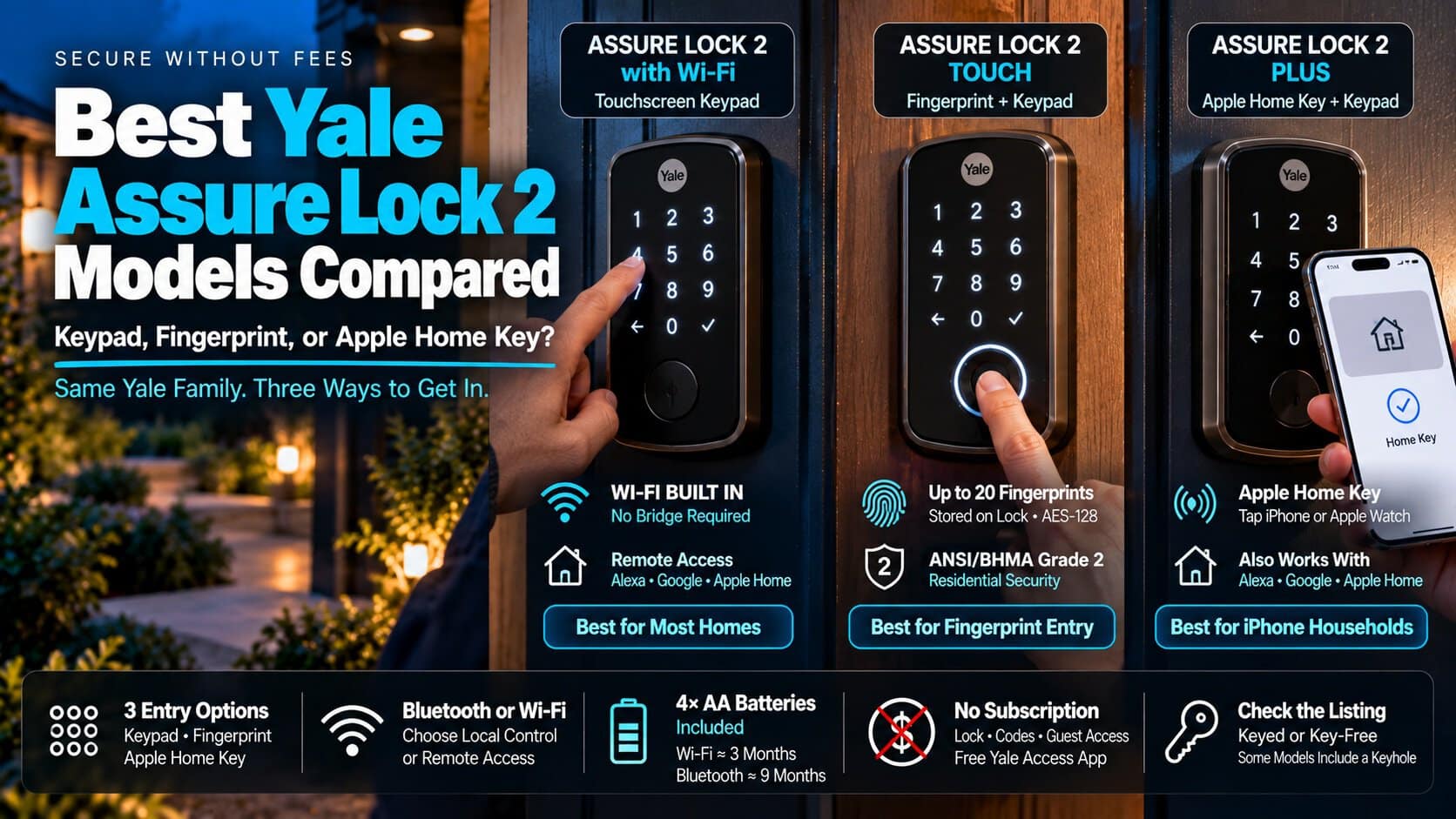
Yale sells its smart deadbolts under one name, the Assure Lock 2, in a confusing pile of versions. The model name tells you almost nothing until you know three things: how you want to get in, how the lock connects, and whether you use an iPhone.
Here’s how the lineup works, and three versions worth buying.
| Lock | Entry | Smart Home | Best For |
|---|---|---|---|
| Yale Assure Lock 2 with Wi-Fi | Touchscreen keypad | Alexa, Google, Apple Home | Most homes |
| Yale Assure Lock 2 Touch | Keypad plus fingerprint | Alexa, Google, Apple Home | Fingerprint entry |
| Yale Assure Lock 2 Plus | Keypad plus Apple Home Key | Apple Home, Alexa, Google | iPhone households |
How Yale’s Names Work
The base Assure Lock 2 is a keypad deadbolt. The Touch adds a fingerprint reader. The Plus adds Apple Home Key, which lets you tap an iPhone or Apple Watch to unlock.
Each comes in a Bluetooth-only version or a Wi-Fi version. The Bluetooth versions can be upgraded later with a Wi-Fi, Matter, or Z-Wave module. Without Wi-Fi, remote access on the Bluetooth Plus needs an Apple home hub.
Most models also come keyed or key-free. A key-free lock has no keyhole, so check which one your listing is.
Yale is part of the same ASSA ABLOY family as Kwikset and August. If you’d rather keep your existing exterior lock, our August Wi-Fi Smart Lock review covers the retrofit approach.
What It Costs After You Buy
The Yale Access app is free, and lock control, codes, and guest access don’t require a paid plan. You pay once for the hardware.
Prices run roughly $200 to $300 depending on the version and the sale. Yale lists the Touch with Wi-Fi at $279.99, and retailers regularly discount these locks below that.
The Gotchas
Batteries. All three take four AA batteries, which are included. Turn on Wi-Fi and expect about three months per set, versus around nine on Bluetooth only.
Wi-Fi. The Wi-Fi models connect only to 2.4GHz networks, and Yale sells them in the US and Canada only.
Security grade. Yale rates the Touch ANSI/BHMA Grade 2. That’s solid for a front door, but Grade 1 is the top residential tier.
Auto-unlock. Geofence auto-unlock has limits. If you stay inside the geofenced area, coming back to the door may not trigger it, so keep the keypad or fingerprint as a backup.
Our Picks
Yale Assure Lock 2 with Wi-Fi — Best Overall
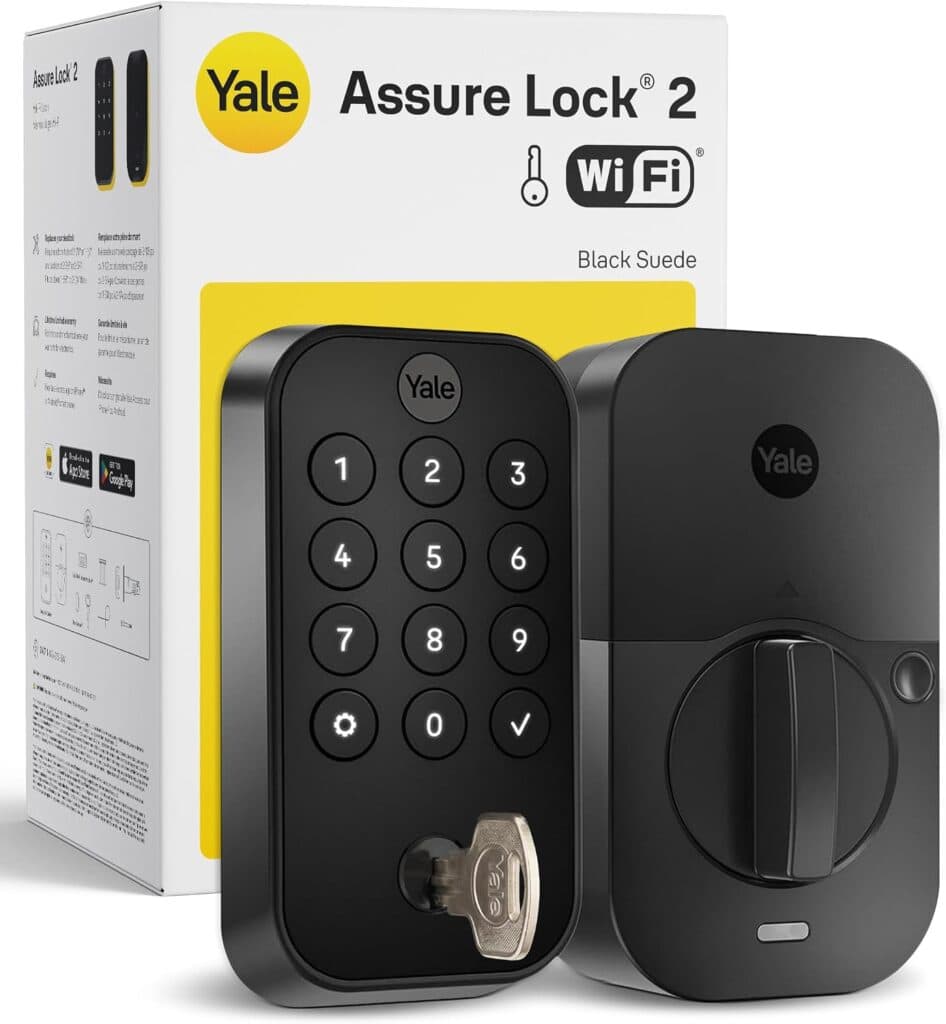
This is the one most people should buy. The Wi-Fi is built in, so you don’t need a bridge, and it works with Alexa, Google Home, and Apple Home. DoorSense confirms the door is actually shut before it auto-locks.
Our full Yale Assure Lock 2 review covers the battery trade-off in detail.
| Pros | Cons |
|---|---|
| Wi-Fi built in, with no hub or bridge needed | Wi-Fi mode drains batteries in about three months |
| Works with Alexa, Google Home, and Apple Home | No fingerprint reader and no Apple Home Key |
| Free app, DoorSense, and four AA batteries included | Touchscreen can be finicky with wet fingers |
Best for: Most households that want a reliable keypad lock with remote access.
Full details and current price: Yale Assure Lock 2 with Wi-Fi on Amazon
Yale Assure Lock 2 Touch — Best Fingerprint Lock
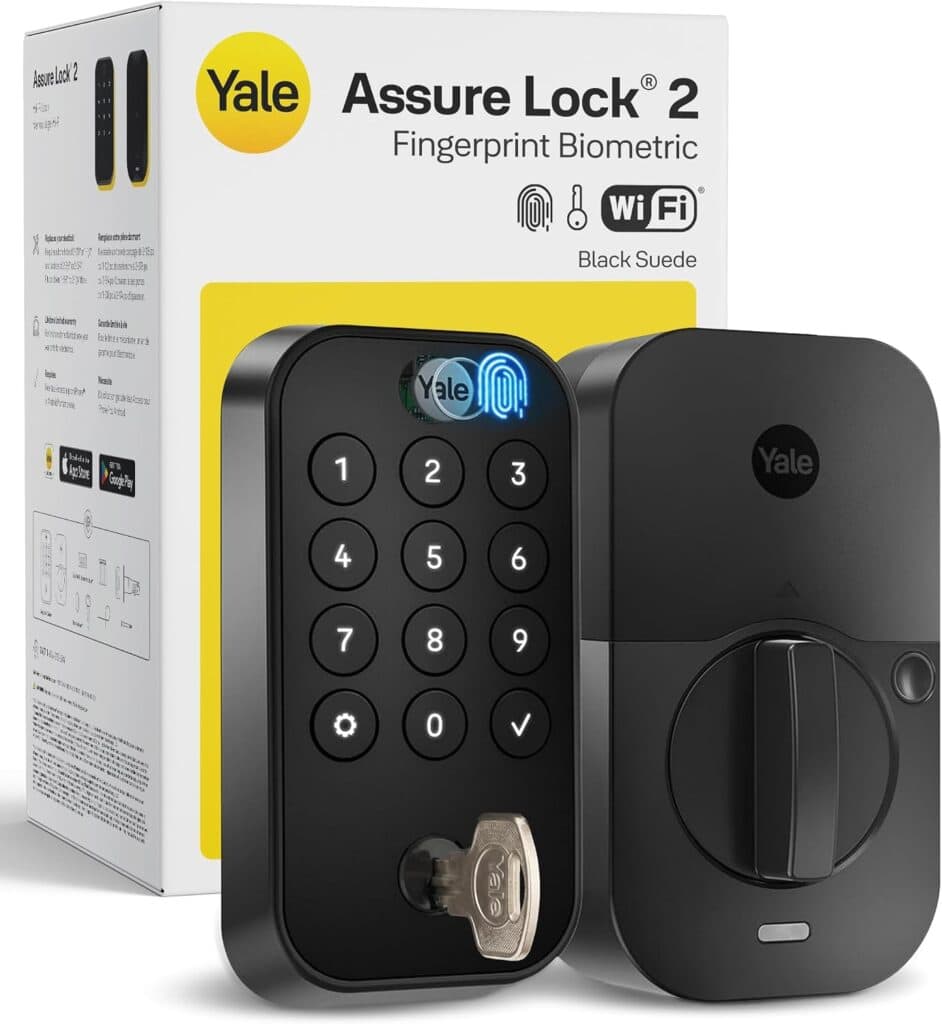
The Touch keeps the keypad and adds a fingerprint reader that stores up to 20 prints. Yale says the prints stay on the lock itself, encrypted with AES-128, and it carries a lifetime warranty.
It works with Alexa, Google Home, and Apple Home, but it doesn’t support Apple Home Key. The Plus is the model for that.
| Pros | Cons |
|---|---|
| Fingerprint, keypad, and app all in one lock | Costs more than the standard Assure Lock 2 |
| Prints are stored on the lock and encrypted | No Apple Home Key tap-to-unlock |
| ANSI/BHMA Grade 2 with a lifetime warranty | Wi-Fi mode still drains batteries quickly |
Best for: Households that want a way in that can’t be forgotten or lost.
Full details and current price: Yale Assure Lock 2 Touch on Amazon
Yale Assure Lock 2 Plus — Best for iPhone Households
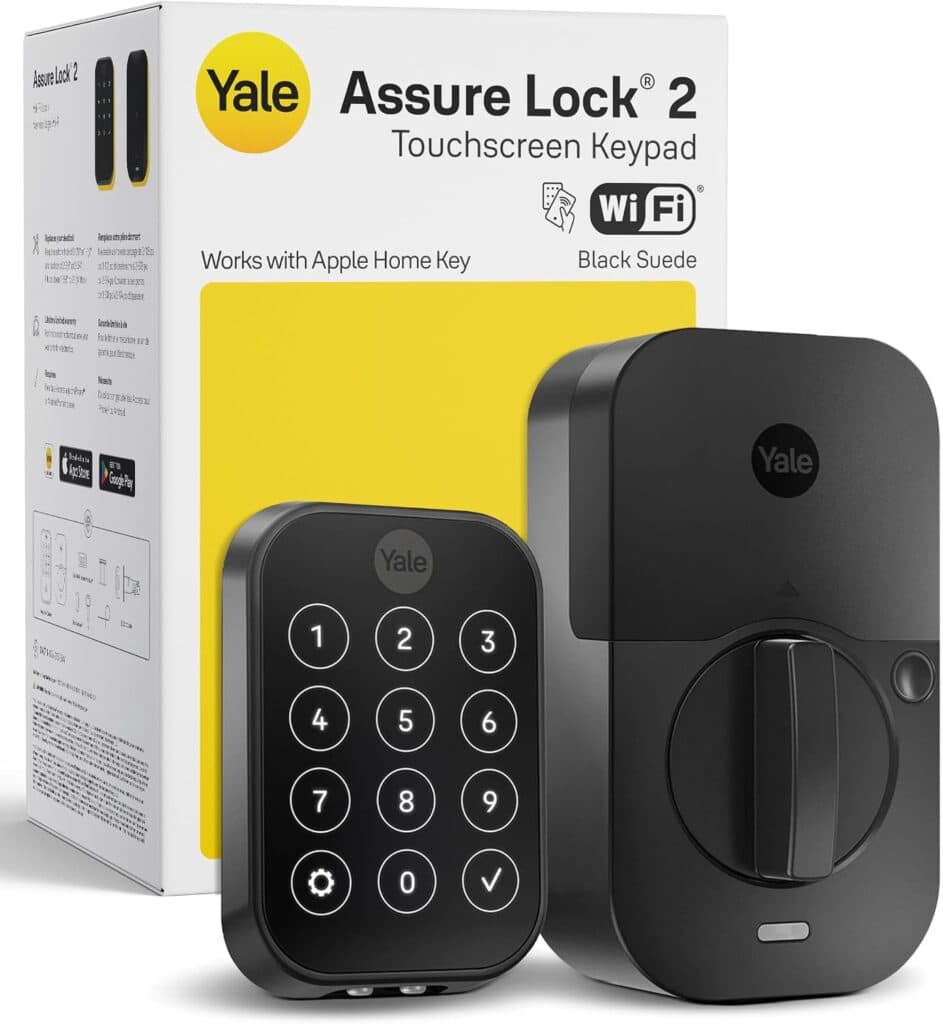
Add your home key to Apple Wallet, turn on Express Mode, and tapping your iPhone or Apple Watch opens the door. It has Wi-Fi built in, works with Apple Home, and still has a keypad for guests.
The catch is that Home Key only helps people with Apple devices. Everyone else uses the code, so it’s worth it only if your household is mostly iPhones.
| Pros | Cons |
|---|---|
| Tap iPhone or Apple Watch to unlock, no phone app needed | Home Key only benefits Apple device owners |
| Wi-Fi built in, plus Apple Home, Alexa, and Google | Wi-Fi mode drains batteries faster than Bluetooth |
| Keypad and codes still work for guests | Check the listing for a keyhole before you buy |
Best for: iPhone households that want tap-to-unlock without opening an app.
Full details and current price: Yale Assure Lock 2 Plus on Amazon
Comparing brands? Our best smart locks roundup covers the field.
Frequently Asked Questions
Do Yale smart locks need a subscription?
No. The Yale Access app is free, and lock control, codes, and guest access don’t require a paid plan.
Do I need Wi-Fi for a Yale smart lock to work?
No. The Bluetooth versions work without it and last far longer on batteries. You only need Wi-Fi, or an add-on module, for remote access from anywhere.
Which Yale has Apple Home Key?
Only the Assure Lock 2 Plus. The Touch supports Apple HomeKit but not tap-to-unlock.
What’s the difference between keyed and key-free?
Keyed locks have a keyhole and come with a physical key. Key-free locks have no keyhole. Check the listing before ordering.
Is Yale the same company as August?
They’re part of the same corporate family. The big difference is installation: August replaces only your interior thumbturn, while the Assure Lock 2 replaces the whole deadbolt.
Final Verdict
| Lock | Best For |
|---|---|
| Yale Assure Lock 2 with Wi-Fi | A reliable keypad lock with remote access |
| Yale Assure Lock 2 Touch | Fingerprint entry plus a keypad |
| Yale Assure Lock 2 Plus | iPhone households that want tap-to-unlock |
Start with the standard Assure Lock 2 unless a feature clearly matters to you. Add the fingerprint reader only if you’ll use it, and pay for the Plus only if most of your household carries an iPhone.