This post contains affiliate links. If you buy through our links we may earn a small commission — at no extra cost to you. This never influences our recommendations.
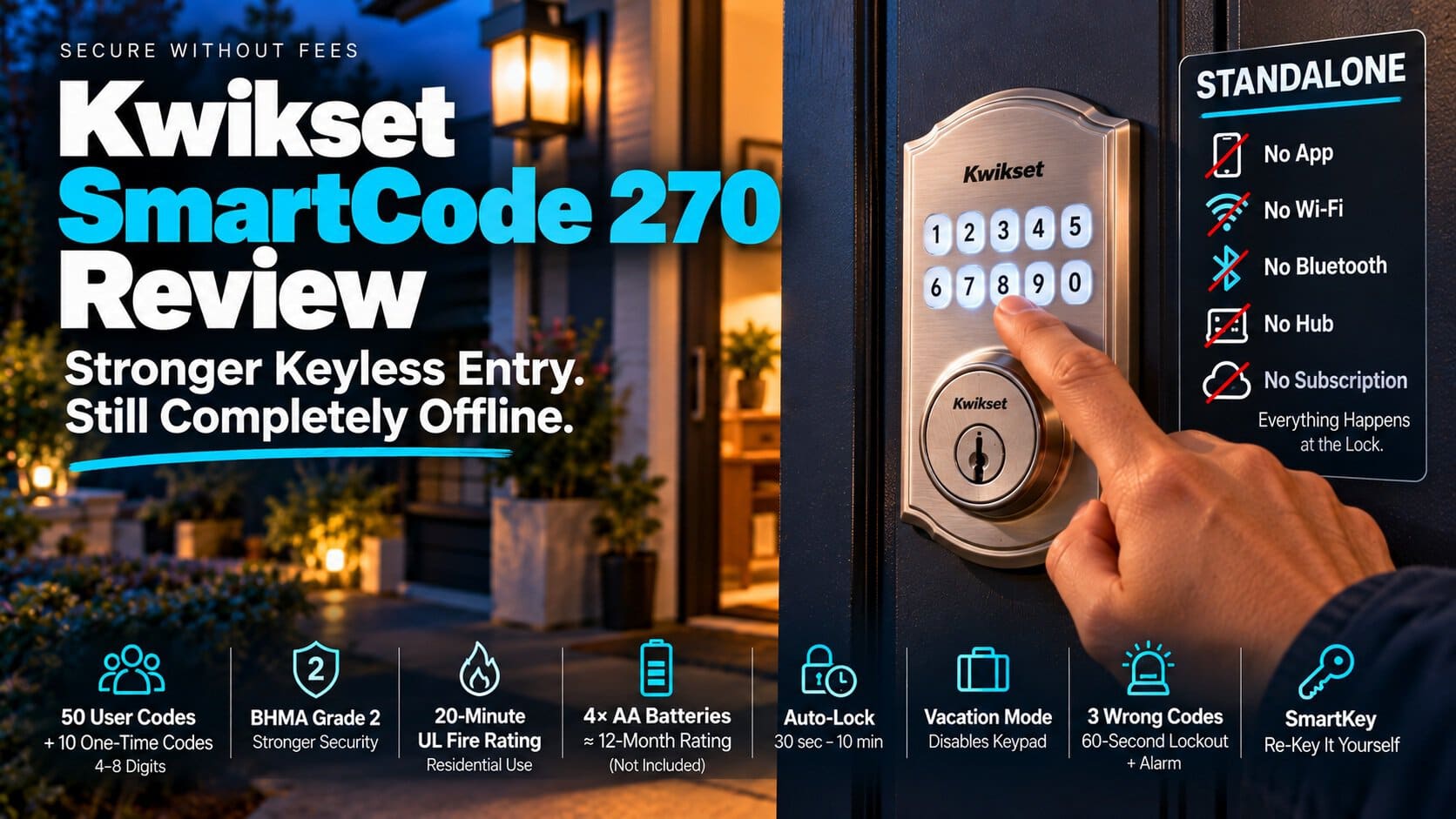
Despite the name, the SmartCode 270 isn’t a connected lock. It’s a keypad deadbolt that works entirely on its own. An independent review described it as “completely offline and self-contained,” and Kwikset’s listing mentions no app, hub, or Wi-Fi.
Kwikset’s Z-Wave locks, like the SmartCode 916, share the SmartCode name and do need a hub. This one doesn’t. Here’s what it offers, and how it compares with the cheaper Powerbolt 250.
| Spec | Kwikset SmartCode 270 |
|---|---|
| Entry | Backlit touchpad, or key (SmartKey) |
| Codes | 50 user codes, plus 10 one-time codes |
| Security grade | BHMA Grade 2, with a 20-minute UL fire rating |
| Power | 4 AA batteries, rated for at least 12 months |
| Connectivity | None, standalone |
| Typical price | Roughly $84 to $128 on Amazon in recent months |
What You Get
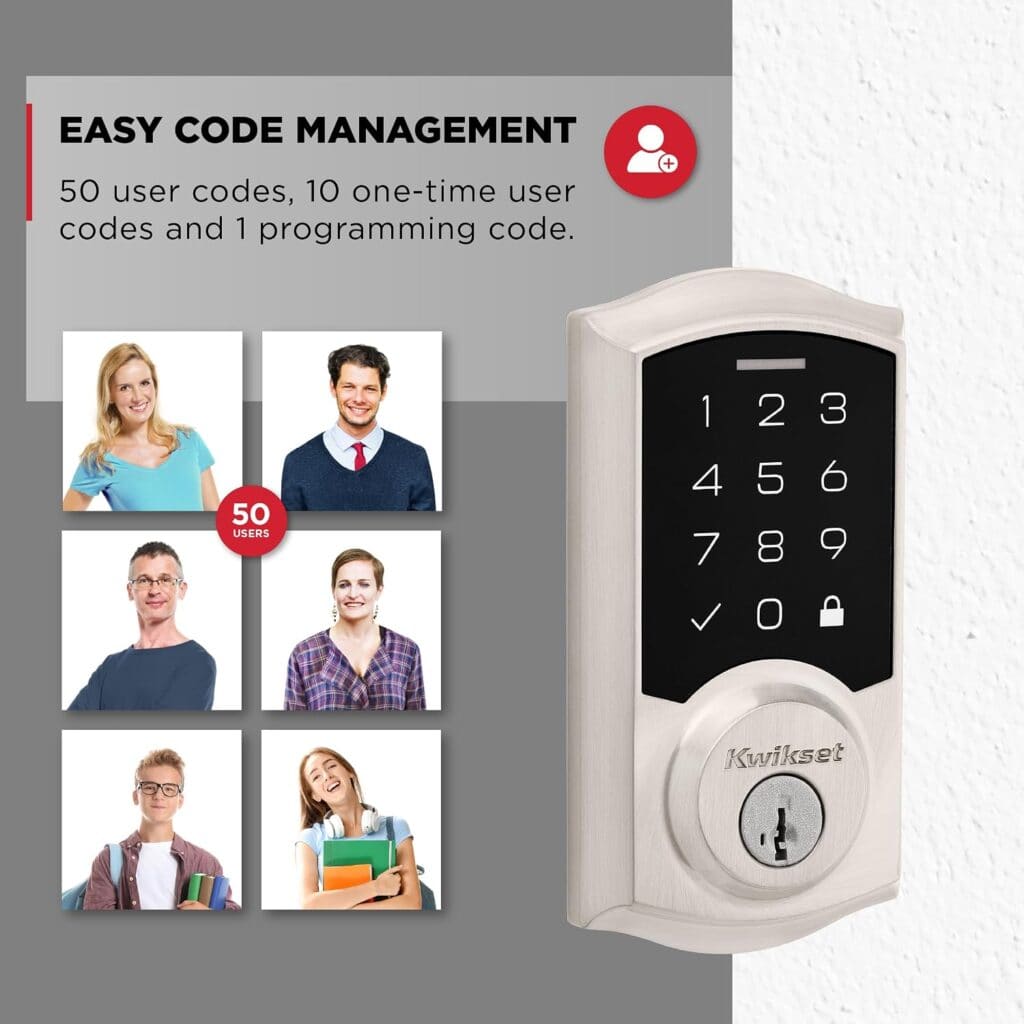
Fifty user codes, each four to eight digits, is plenty for a family, neighbors, and a pet sitter. Ten one-time codes work well for a contractor or a delivery.
Auto-lock can be set to 30 seconds, 1, 3, 5, or 10 minutes. Vacation mode disables the keypad while you’re away. In one independent test, wrong codes set off a loud alarm and disabled the keypad for 60 seconds.
The touchpad lights up when you tap it, which makes night entry easy. SmartKey lets you re-key the lock yourself in seconds.
How It Compares With the Powerbolt 250
The SmartCode 270 costs more than Kwikset’s Powerbolt 250, and the extra money buys real differences. It stores twice the codes (50 vs. 25), and it’s certified to BHMA Grade 2, where the Powerbolt 250 is Grade 3.
It also carries a 20-minute UL fire rating, which Kwikset lists as “not rated” on the Powerbolt 250. For a front door, that’s a meaningful step up. For a side door or shed, the cheaper lock may be enough.
What It Doesn’t Do
You can’t lock or unlock it from your phone, and you can’t check on it from work. Every code is entered at the lock itself.
If you want remote control or activity history, you need a connected lock. Our best smart locks roundup and Yale Assure Lock 2 review cover those options.
The Programming Complaints
The most common gripe in owner reviews is setup. Several reviewers report the lock refusing to accept a new code. One 2026 reviewer returned three units in a row for it.
Plenty of other owners had no trouble, so it’s not universal. A tip that appears in the reviews: add each code with the door open, then test it on the touchpad before you rely on it.
Batteries and Fit
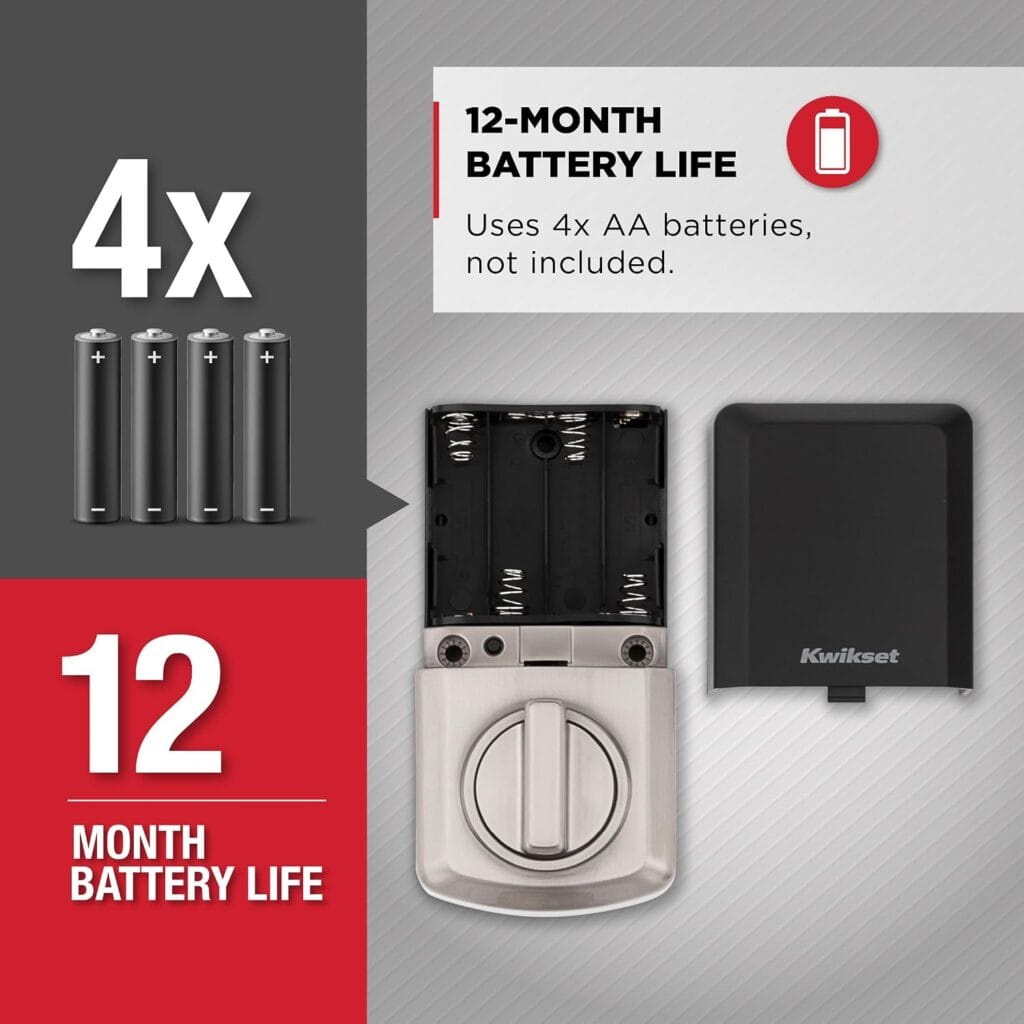
It takes four AA batteries, not included. It fits doors from 1-3/8 to 1-3/4 inches thick with a standard 2-1/8 inch bore, and the latch adjusts for common backsets.
It comes in contemporary and traditional styles, in Satin Nickel, Matte Black, and Venetian Bronze. Amazon also lists versions bundled with a handleset, so make sure you’re buying the plain deadbolt.
| Pros | Cons |
|---|---|
| 50 user codes plus 10 one-time codes | No phone control or remote access of any kind |
| BHMA Grade 2 with a 20-minute UL fire rating | Some owners report trouble programming codes |
| No subscription, app, or hub involved | Costs noticeably more than the Powerbolt 250 |
Best for: A front or main entry door where you want a sturdier keypad lock and have no use for app control.
Kwikset SmartCode 270 Touchpad Deadbolt
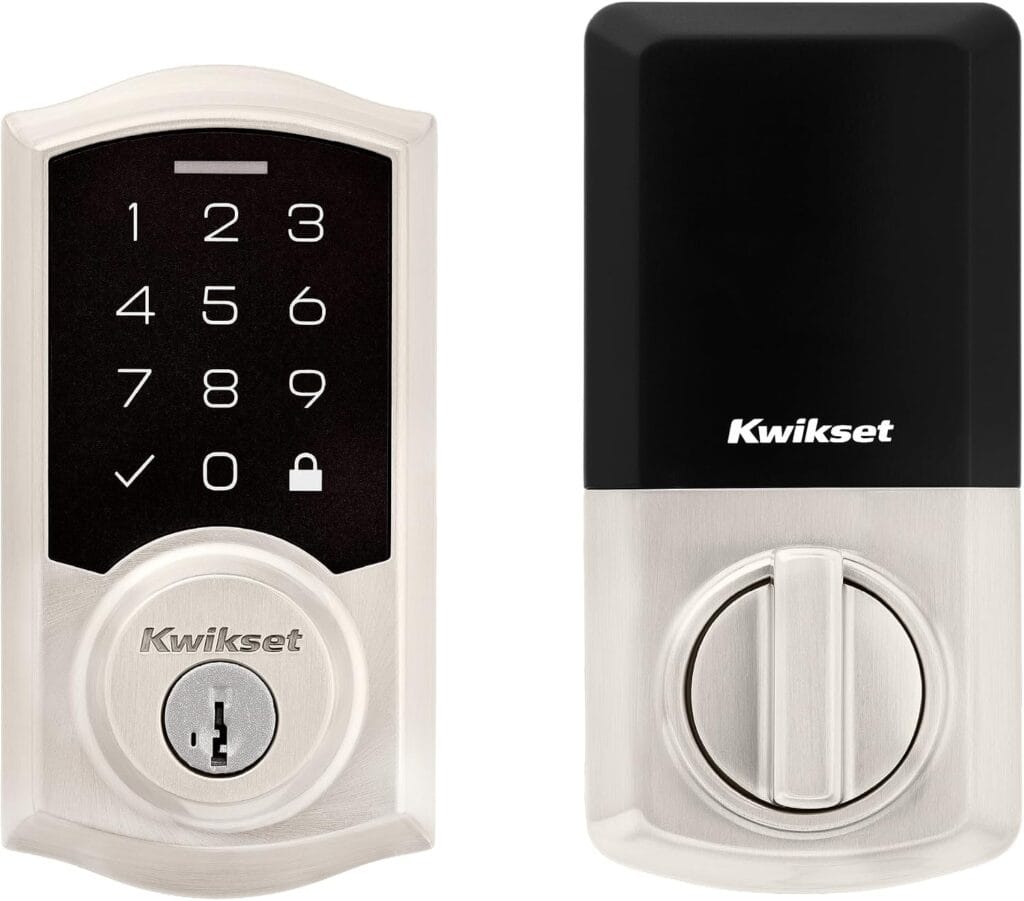
This is the Satin Nickel traditional version, a common finish. Amazon’s price on it has swung between roughly $84 and $128 in recent months, so check the current price before you buy.
Full details and current price: Kwikset SmartCode 270 on Amazon
Frequently Asked Questions
Is the Kwikset SmartCode 270 a smart lock?
Not in the connected sense. It’s a standalone keypad deadbolt with no app, Wi-Fi, or hub, even though it carries the SmartCode name.
Does it need a subscription?
No. Nothing is connected, so there’s nothing to subscribe to.
How many codes can it store?
Fifty user codes and ten one-time codes.
Is it more secure than the Powerbolt 250?
On paper, yes. It’s certified to BHMA Grade 2 with a 20-minute UL fire rating, while the Powerbolt 250 is Grade 3 and not fire-rated.
What if the keypad won’t accept a code?
Re-read the programming steps, add the code with the door open, and test it on the touchpad. If it still fails, contact Kwikset support or return it.
Final Verdict
The SmartCode 270 is a solid, sturdier step up from basic keypad locks, as long as you’re fine with no phone control. Budget a few minutes for programming, and don’t let the name make you think it’s connected.