This post contains affiliate links. If you buy through our links we may earn a small commission — at no extra cost to you. This never influences our recommendations.
A Yale keyless door lock lets you unlock with a code instead of a key, and the keypad works with no Wi-Fi at all. The catch is that Yale sells the same lock in several versions, and the connectivity you pick decides what the lock can do from your phone.
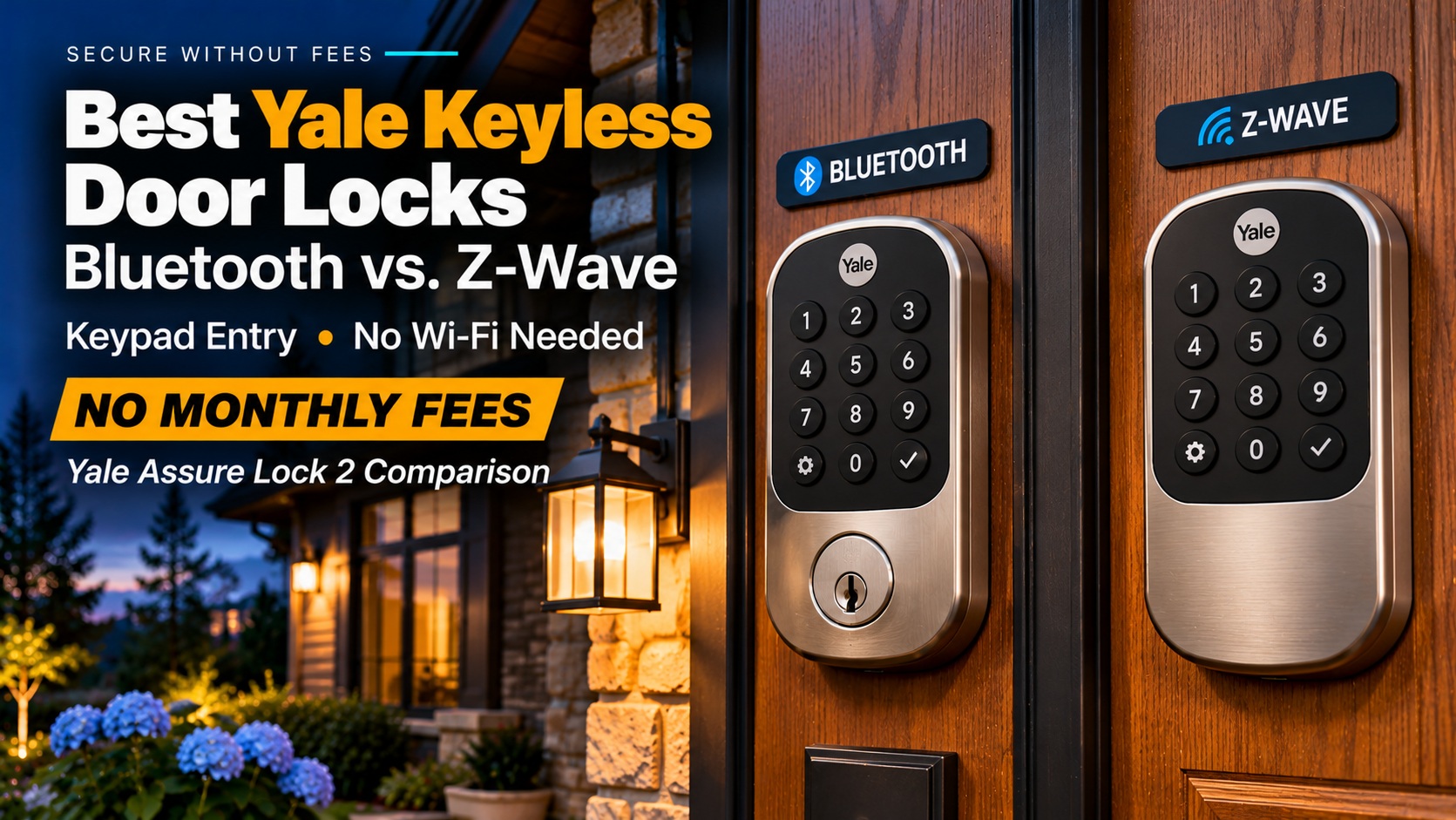
We picked the two keypad versions that skip Wi-Fi entirely. One is Bluetooth-only, and the other works with a Z-Wave smart home hub.
| Model | Best for | Connectivity | Hub needed | Typical price |
|---|---|---|---|---|
| Yale Assure Lock 2 Keypad with Bluetooth | Simple, low-cost keyless entry | Bluetooth (HomeKit supported) | No | About $160–$170 (estimate) |
| Yale Assure Lock 2 Key-Free Keypad with Z-Wave | SmartThings, Hubitat or Ring users | Z-Wave, plus Bluetooth fallback | Yes, a Z-Wave hub | About $210 (estimate) |
What Works With No Subscription
The keypad, your codes and Bluetooth control from the Yale Access app all work on the lock itself. None of the reviews we read mention a subscription for controlling the lock.
Remote control is where Yale charges once instead. Tom’s Guide says the Wi-Fi module costs $79 on its own, and Digital Trends lists it at $80. Both reviews date from 2022 to 2024, so check current prices.
For more locks that skip monthly fees, see our best smart locks roundup.
Which Yale Keyless Version to Choose
Yale’s Assure Lock 2 comes in keyed and key-free versions. Tom’s Guide says the two cost the same, so the choice is about whether you want a key cylinder as a backup.
Both lock types share a 9-volt emergency terminal under the keypad. It powers the lock if the four AA batteries die, per Digital Trends and TechRadar.
| Choice | What to know |
|---|---|
| Key-free | No key cylinder, so there is nothing to pick. You rely on codes, the app and the 9V terminal. |
| Keyed | Adds a physical key backup if you want one. |
| Keypad | Push buttons, about $160 per TechRadar and Tom’s Guide. |
| Touchscreen | Glass display, about $20 more per Tom’s Guide and TechRadar. |
Setup and the App Catch
TechRadar, Tom’s Guide and Digital Trends all put installation at about 30 minutes. TechRadar’s John Velasco suggested a professional if you’re not comfortable with DIY, and Digital Trends said removing the old lock was the hardest part.
The app is the weak spot. TechHive’s Christopher Null found the Yale Access app crashed during a firmware update and hung while creating a PIN. TechRadar called it simple but dated, with no battery indicator.
Those tests used the touchscreen model with Wi-Fi, not either lock below. Treat them as a warning about the shared app, not a verdict on these two.
The Best Yale Keyless Door Locks
Yale Assure Lock 2 Keypad with Bluetooth
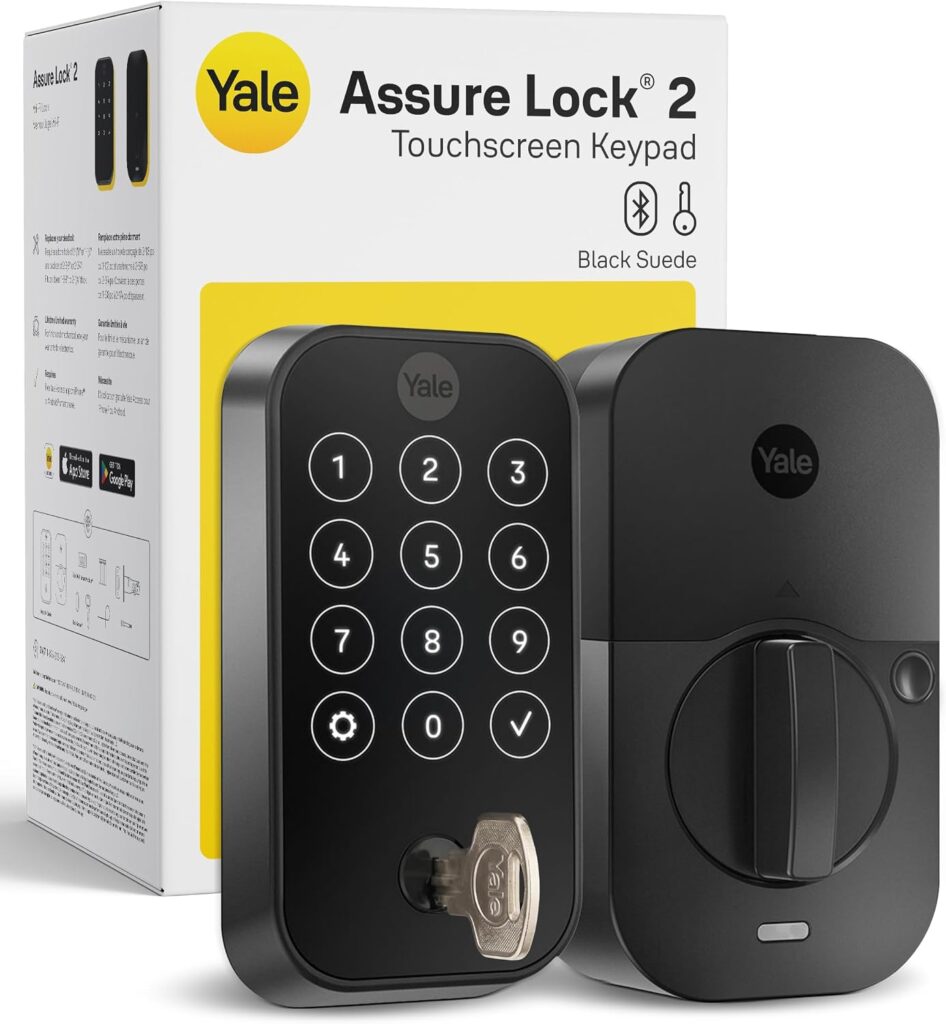
This is the cheapest way into a Yale keypad lock. You enter a code to unlock, and the Yale Access app handles guest codes and schedules over Bluetooth when you’re near the door.
TechHive says that without the Wi-Fi module, only HomeKit works, and it does so over Bluetooth. Tom’s Guide found Wi-Fi drains the batteries faster, so staying Bluetooth-only is also the easier choice for battery life.
The catch is range. Digital Trends says remote control and status checks need Wi-Fi, so you can’t lock the door from the office. You can add the module later, and our Yale smart lock roundup covers the Wi-Fi versions.
| Pros | Cons |
|---|---|
| Lowest-priced Yale keypad Holds 250 codes No hub or Wi-Fi needed Apple HomeKit over Bluetooth |
No remote control without Wi-Fi Dated Yale Access app About 30-minute install Alexa and Google need the Wi-Fi module |
Best for: Households that want code entry and guest codes, with no remote control.
Full details and current price:
Yale Assure Lock 2 Keypad Deadbolt with Bluetooth on Amazon
Yale Assure Lock 2 Key-Free Keypad with Z-Wave
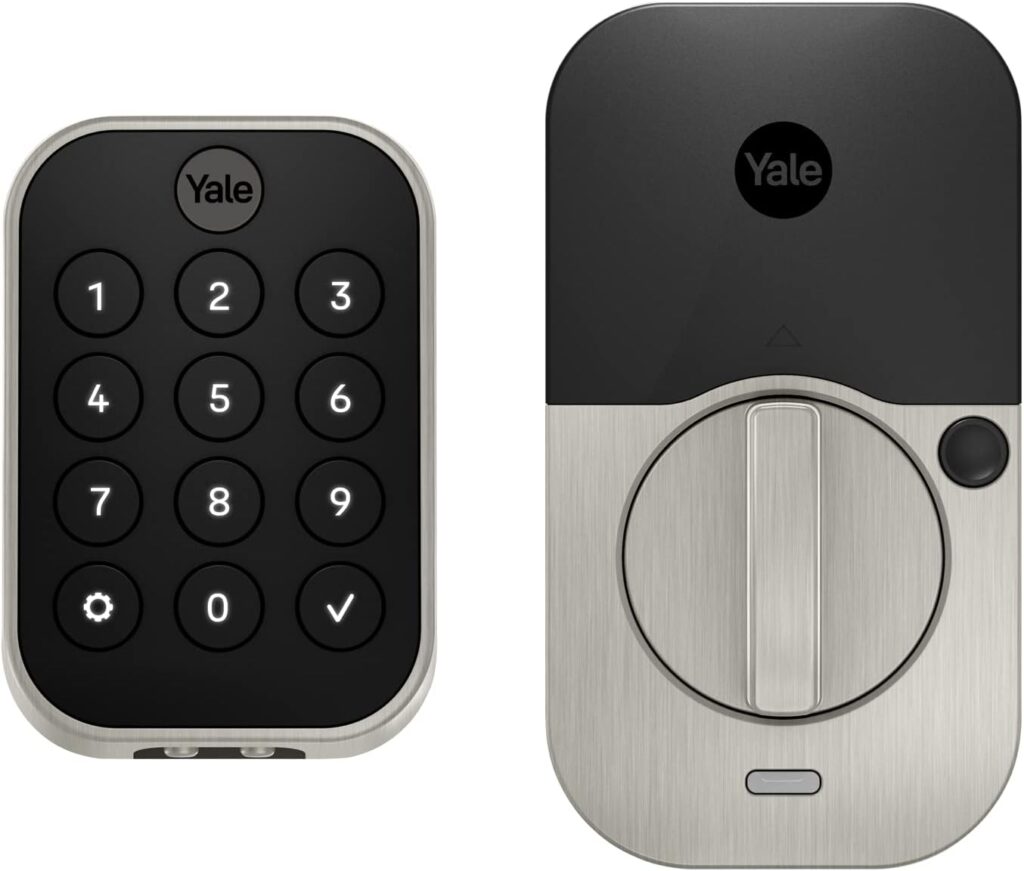
This version carries a Z-Wave module in place of Wi-Fi, so it talks to a hub rather than your router. Yale’s support page says it works with Samsung SmartThings, Hubitat and Ring, and you manage it through the hub’s app.
That is useful because Tom’s Guide found no Ring integration on the Wi-Fi version. Yale’s FAQ says batteries last up to 9 to 12 months under typical use with Z-Wave on, though it also says that varies with how often you use the lock.
The catch is the hub. You need a compatible Z-Wave hub and its app, and Yale says the module needs firmware 1.8.1 or later. If the hub goes down, you can still connect through the Yale Access app over Bluetooth, and the keypad always works.
| Pros | Cons |
|---|---|
| Works with SmartThings, Hubitat and Ring Bluetooth and keypad still work if the hub is down Long battery estimate from Yale Key-free, with a 9V backup |
Needs a separate Z-Wave hub Costs more than the Bluetooth version Firmware 1.8.1 or later required Code management depends on your hub |
Best for: Homes that already run a Z-Wave hub and want the lock to join it.
Full details and current price:
Yale Assure Lock 2 Key-Free Keypad with Z-Wave on Amazon
Other Yale Locks to Consider
If you want the Wi-Fi version, fingerprint reader or touchscreen, read our Yale Assure Lock 2 review. For other brands, see our Schlage Encode review and our Kwikset smart lock picks.
FAQ
Does a Yale keyless door lock need Wi-Fi?
No. The keypad works on its own, and Bluetooth lets you manage codes near the door. Wi-Fi is only for remote control.
Does a Yale keyless lock need a subscription?
None of the reviews we read mention one for controlling the lock. The Wi-Fi module is a one-time purchase of about $80.
What happens when the batteries die?
Touch a 9-volt battery to the terminal under the keypad to power the lock long enough to enter your code.
Does Yale work with Ring?
Yale says the Z-Wave version works with Ring, but Tom’s Guide found no Ring integration on the Wi-Fi version.
How long does it take to install?
About 30 minutes in TechRadar, Tom’s Guide and Digital Trends. Removing your old deadbolt is usually the hardest part.
Final Verdict
| Model | Best For |
|---|---|
| Yale Assure Lock 2 Keypad with Bluetooth | Simple, low-cost code entry |
| Yale Assure Lock 2 Key-Free Keypad with Z-Wave | Z-Wave hub owners, including Ring Alarm |
Start with the Bluetooth keypad unless you already own a Z-Wave hub. If you want remote control without a hub, add Yale’s Wi-Fi module or pick one of the Wi-Fi models in our Yale smart lock roundup.