This post contains affiliate links. If you buy through our links we may earn a small commission — at no extra cost to you. This never influences our recommendations.
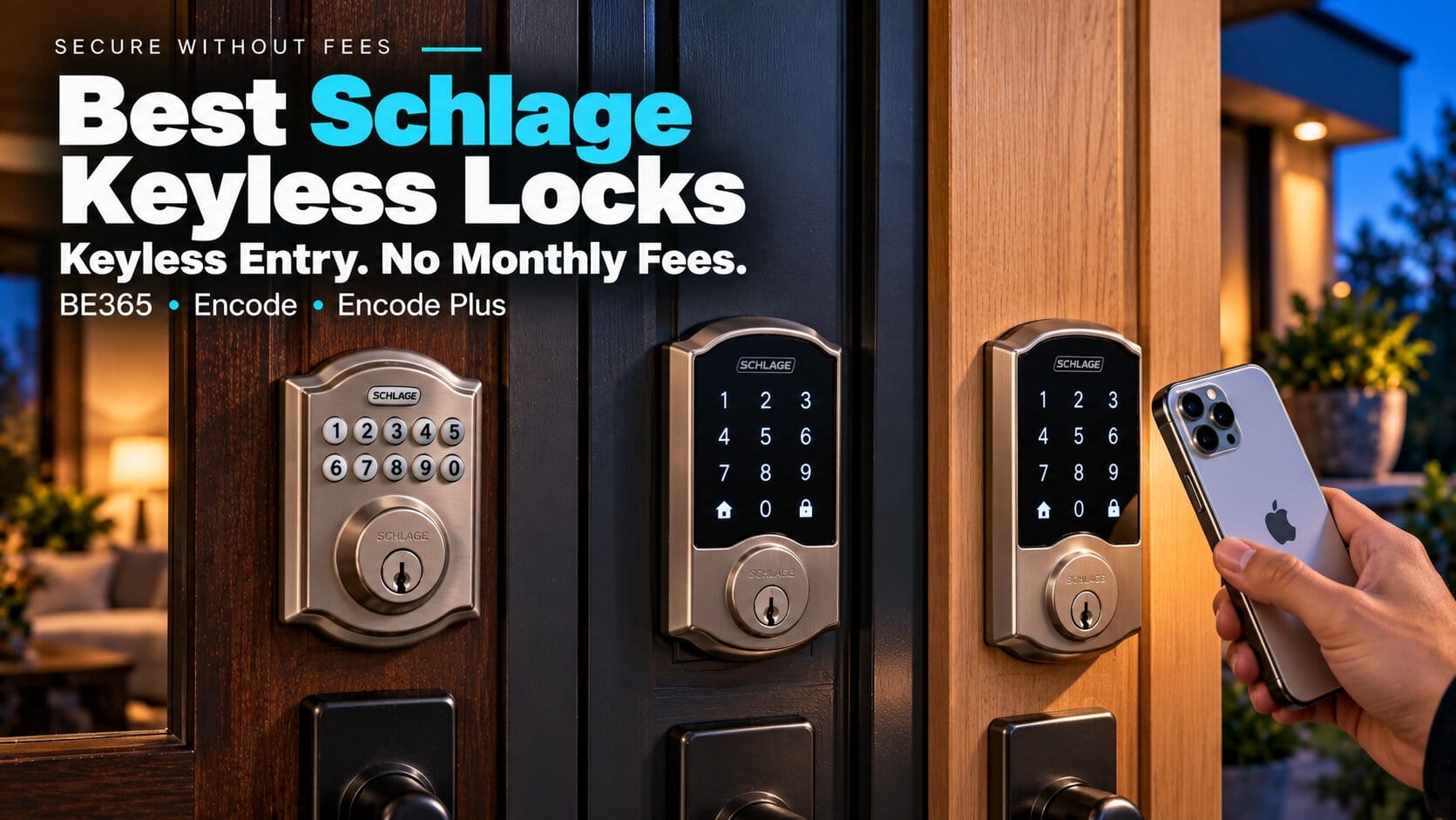
Schlage sells keyless entry in two flavors: a plain keypad that does one job, and Wi-Fi touchscreen locks that connect to an app. Neither charges a monthly fee, which makes Schlage one of the safer brands for this site.
The real choice is how much tech you want on your door, and what you are willing to pay for it. Here are three Schlage locks that cover the range.
| Model | Entry method | Wi-Fi and app | Power | Typical list price |
|---|---|---|---|---|
| Schlage BE365 Camelot Keypad Deadbolt | Push-button keypad, key backup | No | 1 x 9V battery | Under $100 (estimate) |
| Schlage Encode Smart WiFi Deadbolt | Touchscreen keypad, key backup | Yes (2.4GHz) | 4 x AA | $229–$299 |
| Schlage Encode Plus Smart WiFi Deadbolt | Touchscreen, Apple Home Key, key backup | Yes, plus Bluetooth | 4 x AA | $329 |
What Works With No Subscription
All three work for keyless entry with no plan. On the two Encode locks, remote lock and unlock, up to 100 access codes, scheduled and temporary codes, and low-battery alerts are all handled in the free Schlage Home app.
The BE365 is simpler still. It has no app, no Wi-Fi and no remote control, so there is nothing to subscribe to and nothing to hack remotely.
For the broader picture, see our best smart locks roundup.
The Best Schlage Keyless Entry Locks
Schlage BE365 Camelot Keypad Deadbolt
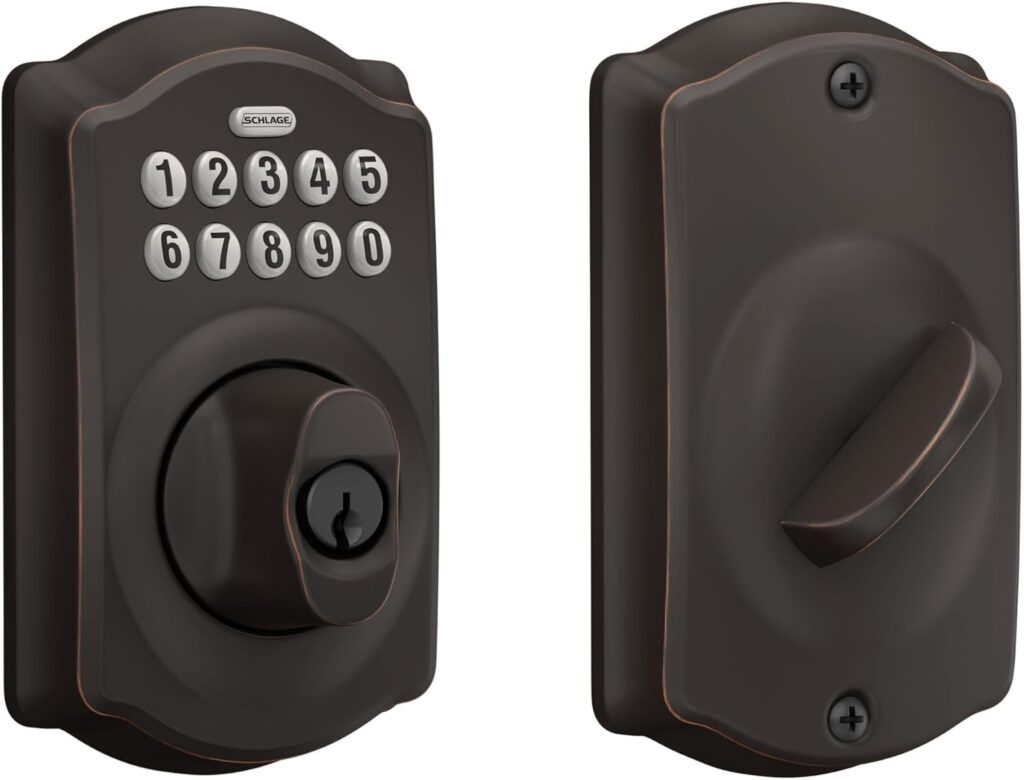
The BE365 is a no-frills keypad deadbolt. You enter a code on the push-button pad, or use the backup key, and the bolt throws. It stores up to 19 user codes and runs on a single 9V battery that reviewers say lasts up to about three years.
The catch is that it does very little else. There is no Wi-Fi, Bluetooth or app, and no auto-lock, so you turn the thumb-turn or press a button to lock it yourself. Changing codes means a button sequence on the lock, not a phone.
| Pros | Cons |
|---|---|
| Cheapest Schlage keyless option Battery lasts up to about 3 years Weather-resistant keypad Nothing to hack remotely |
No app or remote control No auto-lock Only 19 codes Codes are changed on the lock |
Best for: Garages, side doors and rentals where you just want a code instead of a key.
Full details and current price: Schlage BE365 Camelot Keypad Deadbolt on Amazon
Schlage Encode Smart WiFi Deadbolt
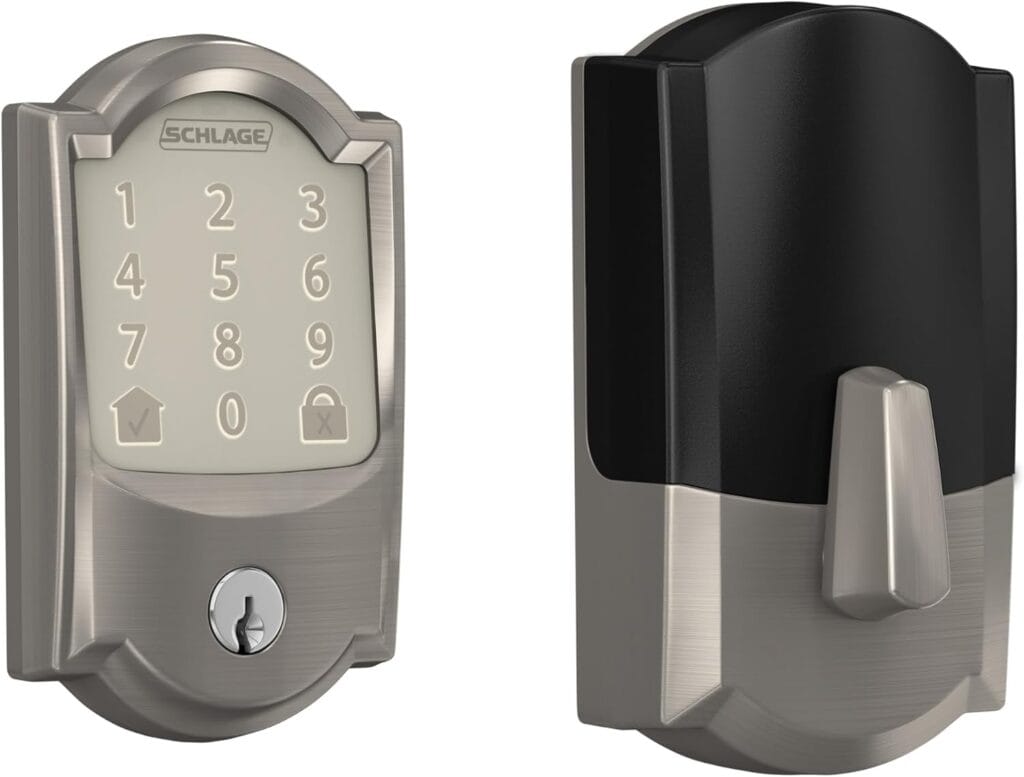
The Encode adds built-in Wi-Fi, so there is no hub or bridge to buy. You can lock and unlock from anywhere, manage up to 100 codes with schedules, and get alerts when someone uses a code. It works with Alexa, Google Home and Ring, and has a built-in alarm for forced entry.
Know the trade-offs before you buy. It connects only to 2.4GHz Wi-Fi, and battery life varies widely by source, from about 4 months to a year on four AAs because Wi-Fi drains them. Owner reviews also describe a cluster of failures around the one-year mark, though how common that is isn’t clear. Our full Schlage Encode review goes deeper.
| Pros | Cons |
|---|---|
| Built-in Wi-Fi, no hub Up to 100 codes with schedules Works with Alexa, Google and Ring No monthly fee |
2.4GHz Wi-Fi only Battery life varies, often under 6 months No Apple Home Key Some reports of failure after a year |
Best for: Front doors where you want remote access and guest codes.
Full details and current price: Schlage Encode Smart WiFi Deadbolt on Amazon
Schlage Encode Plus Smart WiFi Deadbolt
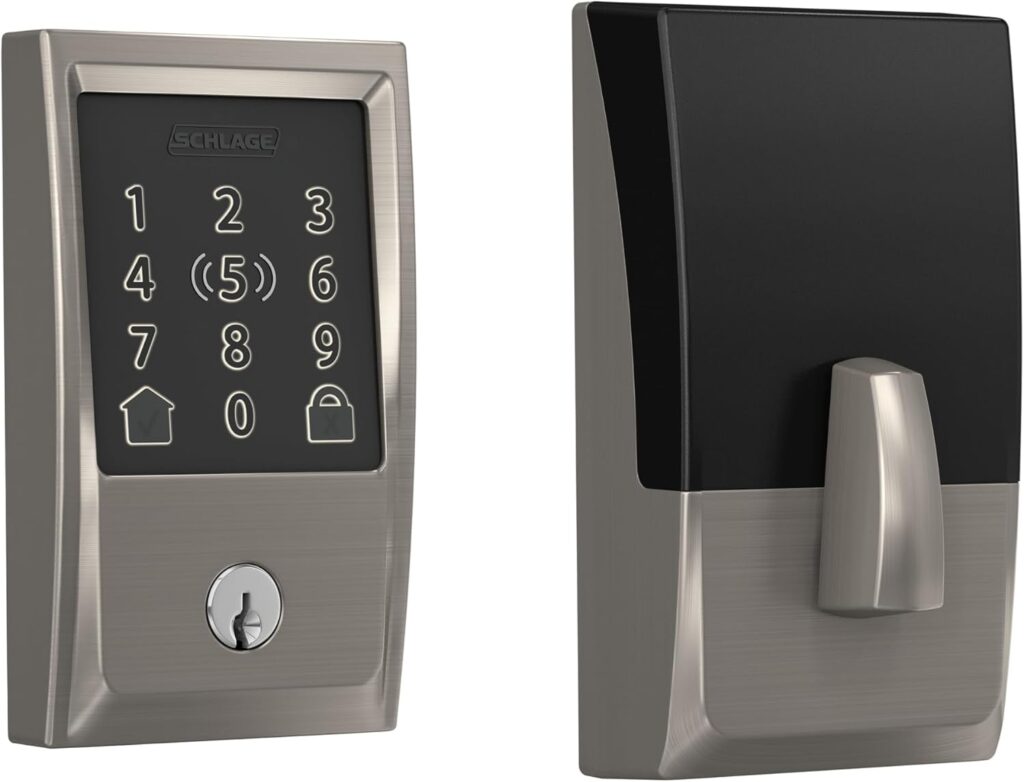
The Encode Plus is the same lock with Apple Home Key support, so you can tap an iPhone or Apple Watch on the keypad to unlock, even in low power mode. It adds Bluetooth and Apple HomeKit alongside Alexa and Google Home.
It is also the most expensive Schlage keyless lock here. Home Key and remote HomeKit access need an Apple TV or HomePod as a hub, battery life runs shorter (some reviews say every 3–4 months), and some owners report slow support and inconsistent Home Key recognition. It has no Matter support and no fingerprint reader.
| Pros | Cons |
|---|---|
| Tap-to-unlock with Apple Home Key Bluetooth fallback if Wi-Fi drops Works with Apple, Alexa and Google |
Highest price of the three Needs an Apple hub for Home Key remote use Shorter battery life reported No Matter or fingerprint |
Best for: iPhone households that want tap-to-unlock.
Full details and current price: Schlage Encode Plus Smart WiFi Deadbolt on Amazon
FAQ
Do Schlage keyless locks need a subscription?
No. Remote access, code management and alerts on the Encode locks work through the free Schlage Home app. The BE365 has no app at all.
Do I still need a key?
All three include a keyway for backup. Keep a spare key somewhere outside the lock, since a dead battery can lock you out of code entry.
Will they work with my existing door?
Most fit standard doors with a 2 1/8″ bore. The BE365 supports 2 3/8″ and 2 3/4″ backsets, and thick doors may need an extra kit.
Which Schlage lock has the longest battery life?
The BE365, by a wide margin, at up to about three years on a 9V. The Wi-Fi models use four AAs and drain faster.
Is a keypad lock secure?
Yes, if you avoid obvious codes and change them when people move out. If you want to compare brands, see our Yale smart lock picks.
Final Verdict
| Model | Best For |
|---|---|
| Schlage BE365 Camelot Keypad Deadbolt | Simple code entry, no app |
| Schlage Encode Smart WiFi Deadbolt | Remote access and guest codes |
| Schlage Encode Plus Smart WiFi Deadbolt | iPhone tap-to-unlock |
Buy the BE365 if you just want a code and no maintenance. Step up to the Encode for remote control, or to the Encode Plus only if tap-to-unlock is worth the extra money.